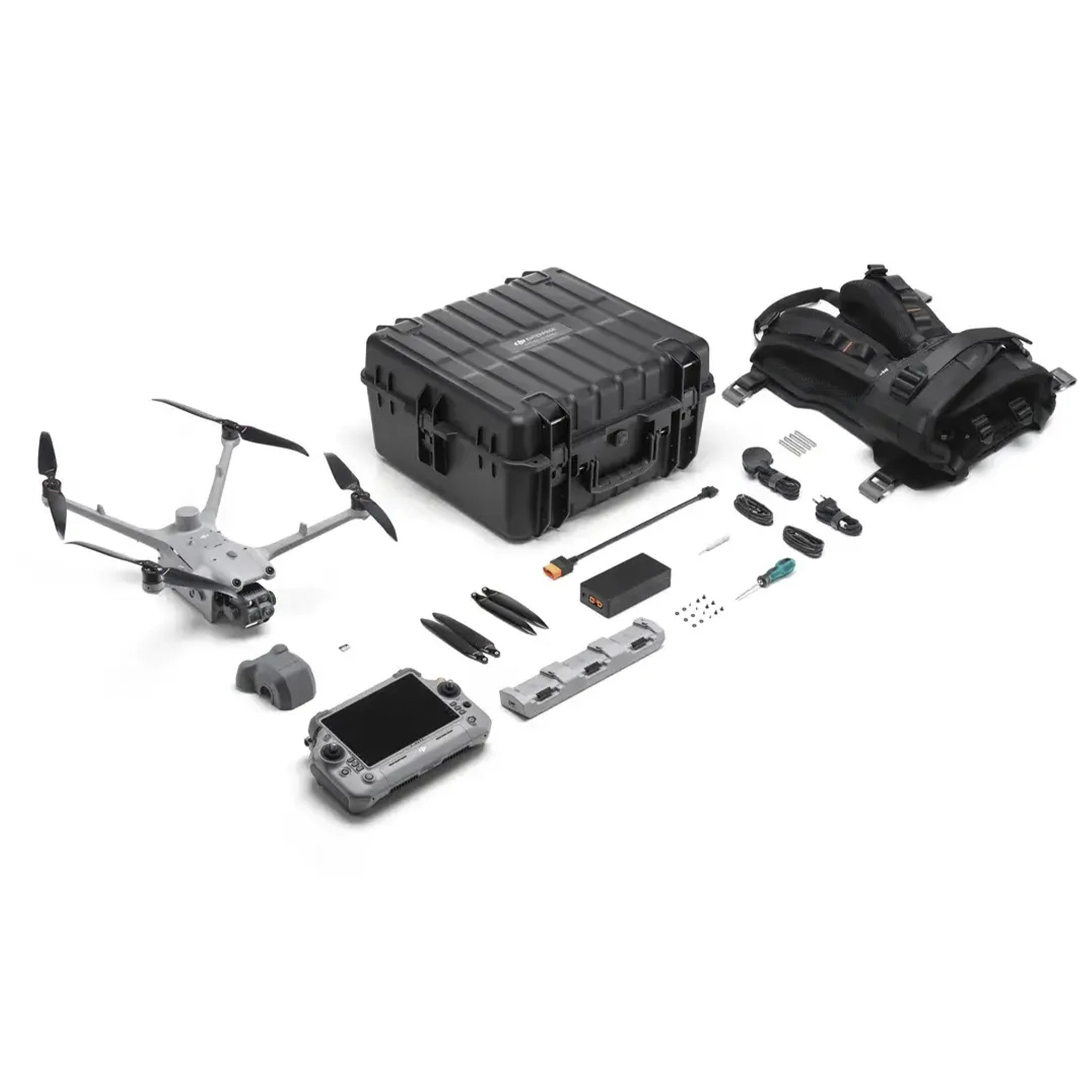
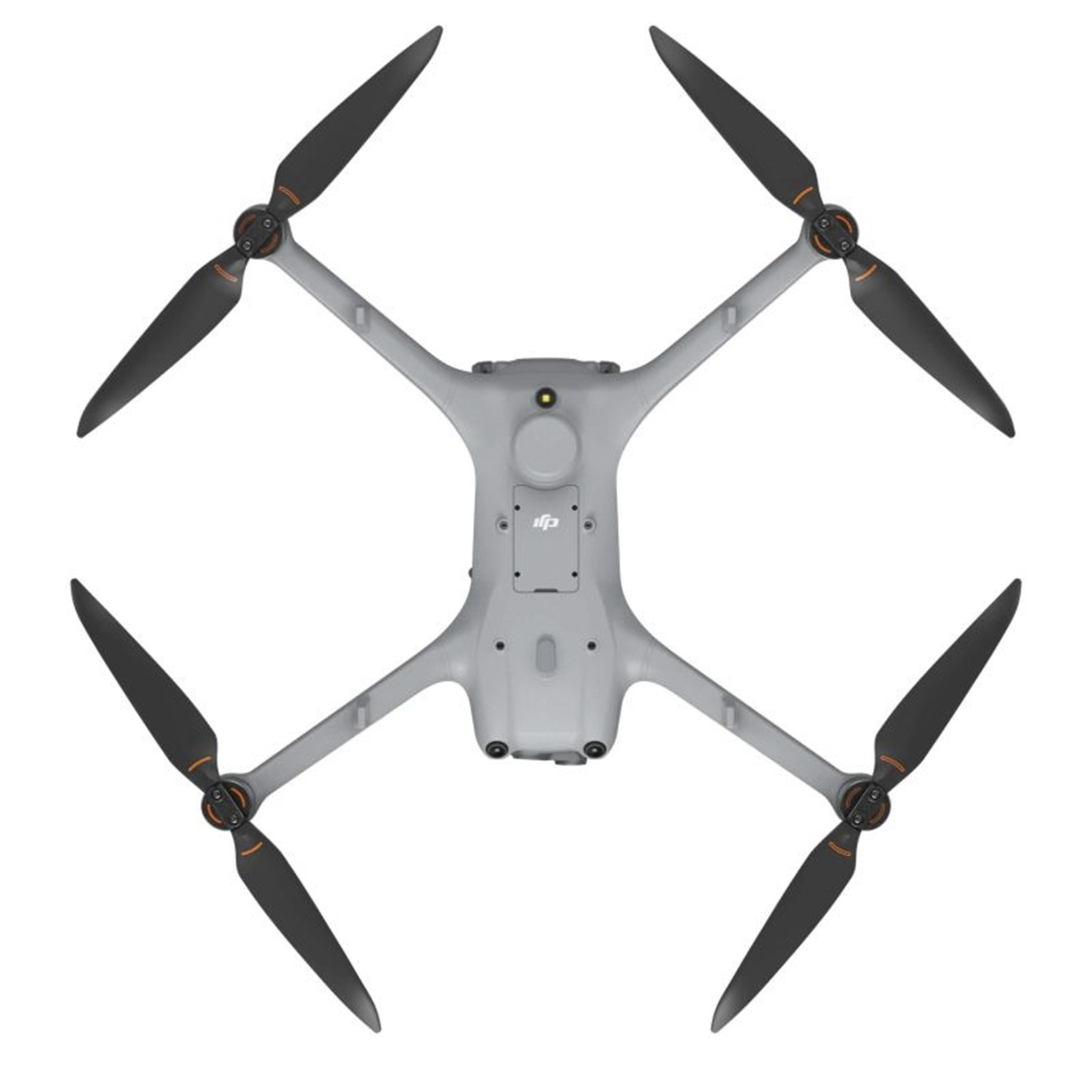
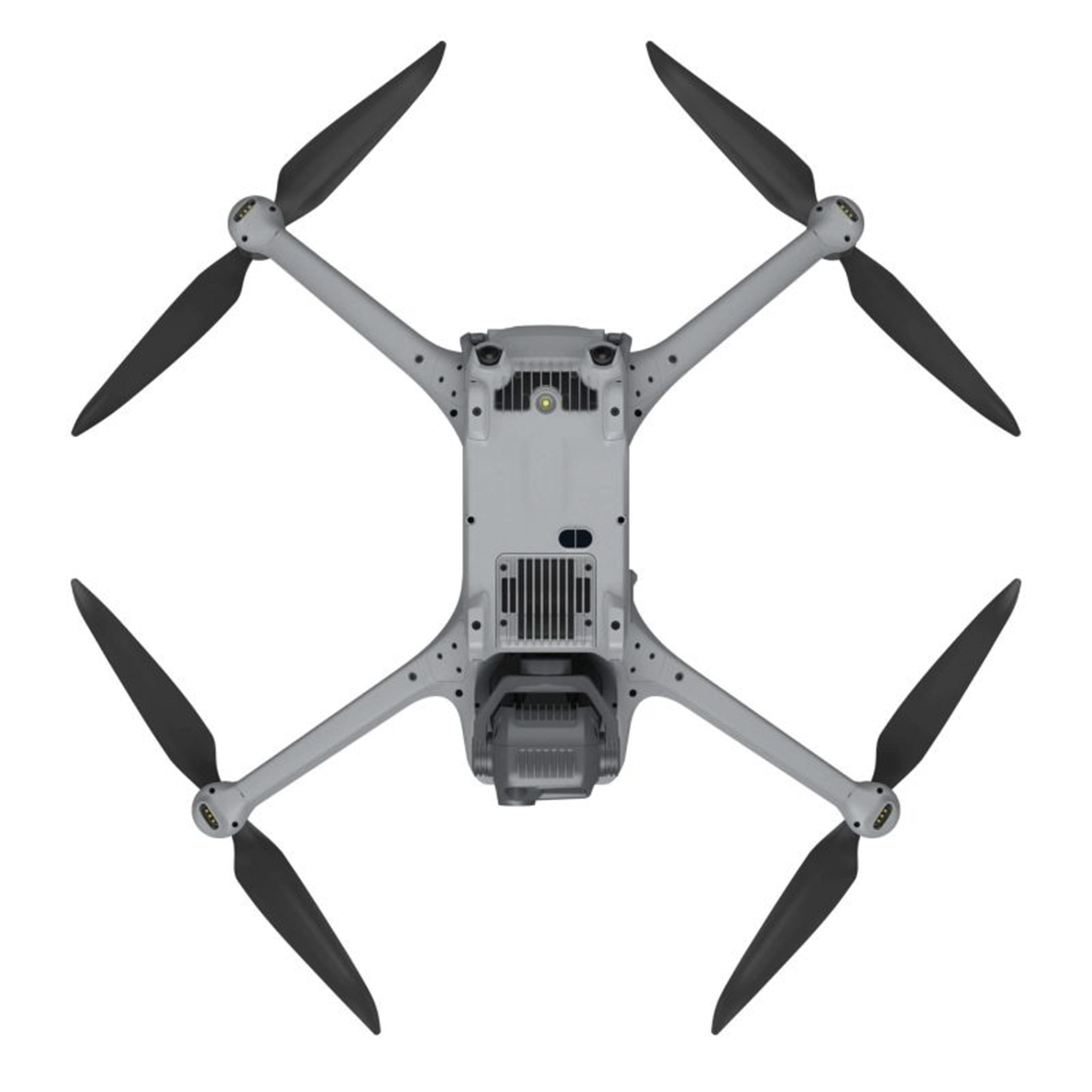
Aircraft
How many versions does the DJI Matrice 4 Series have? What are the differences between them?
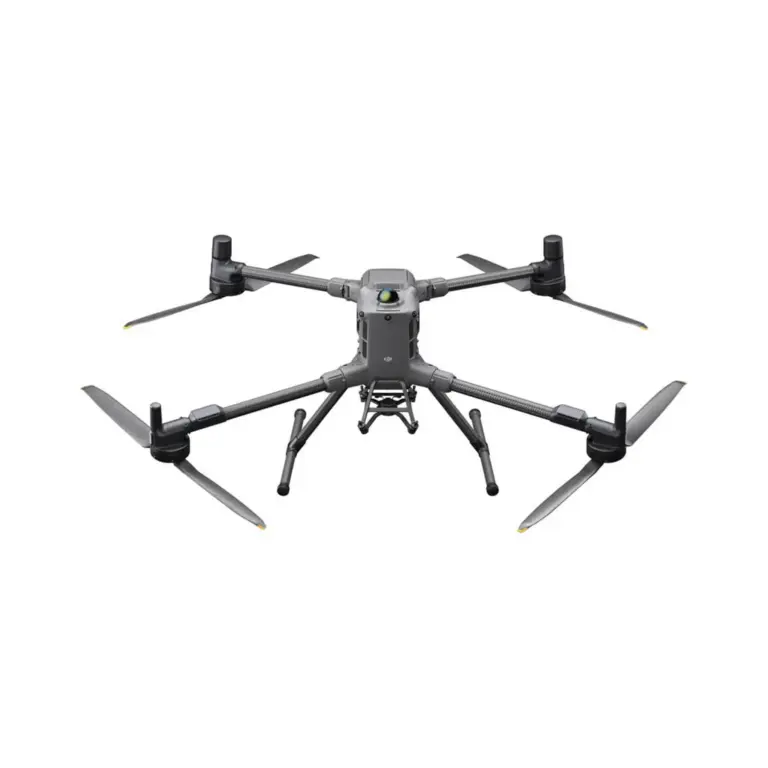
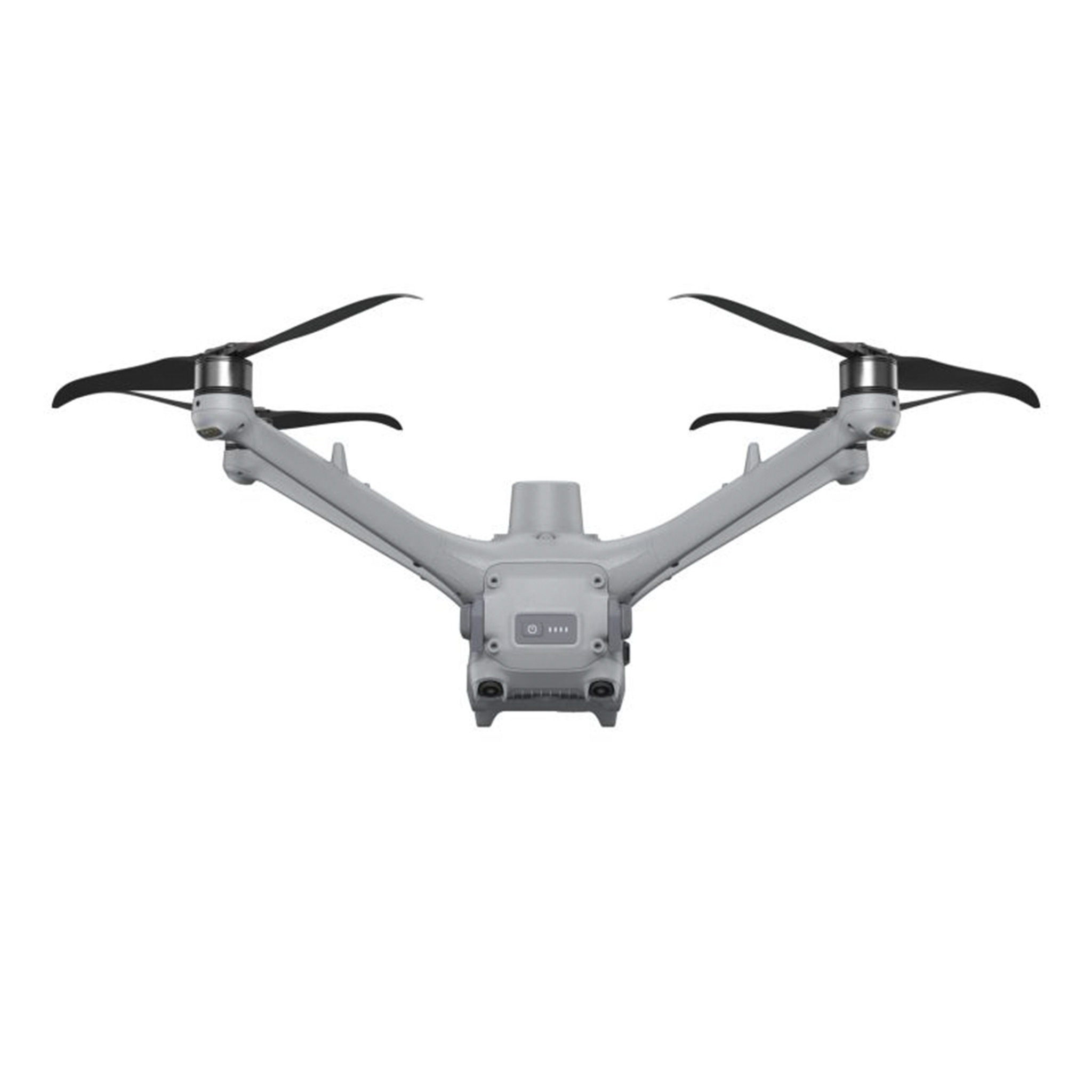
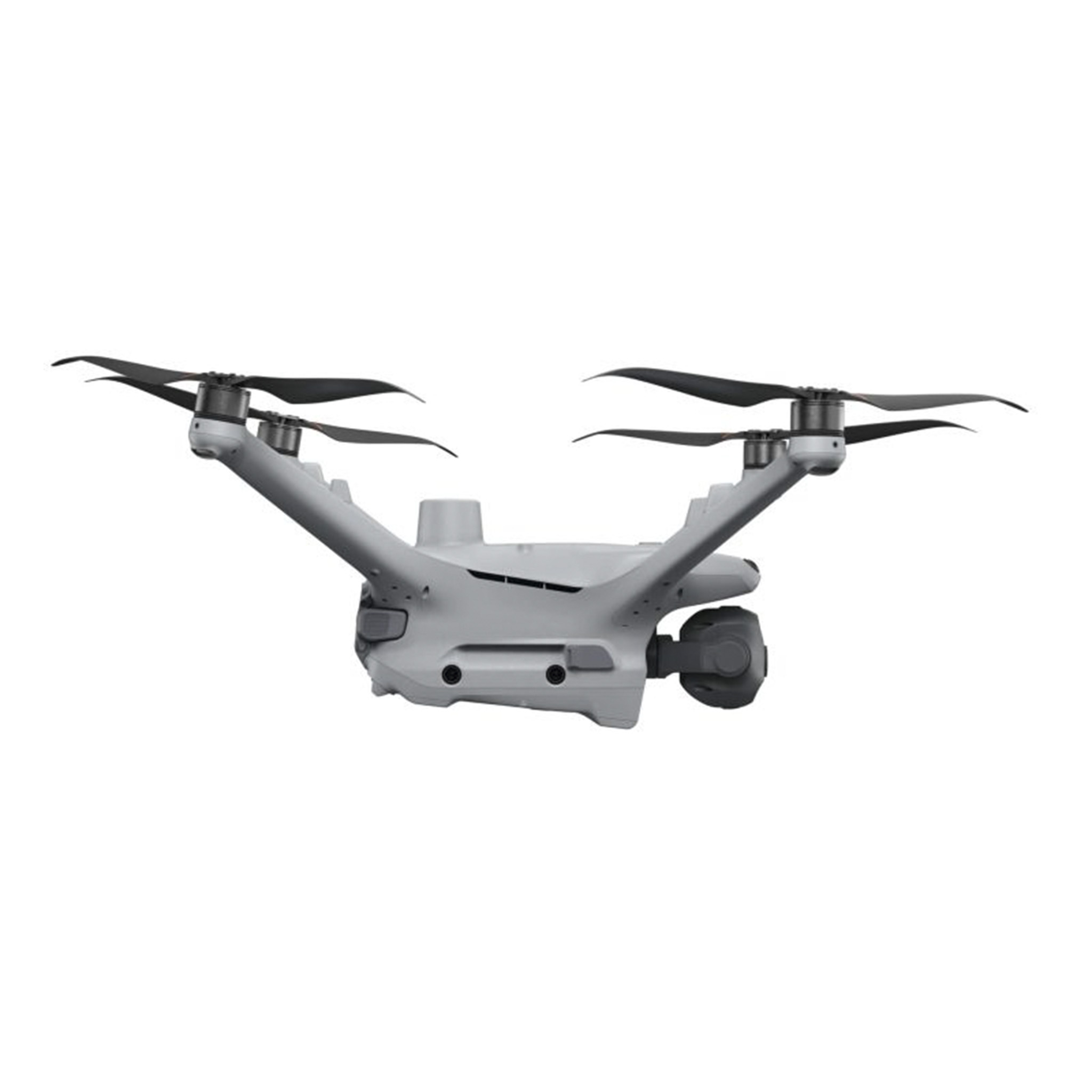
DJI Matice 4 Series includes two versions - DJI Matrice 4T and DJI Matrice 4E.
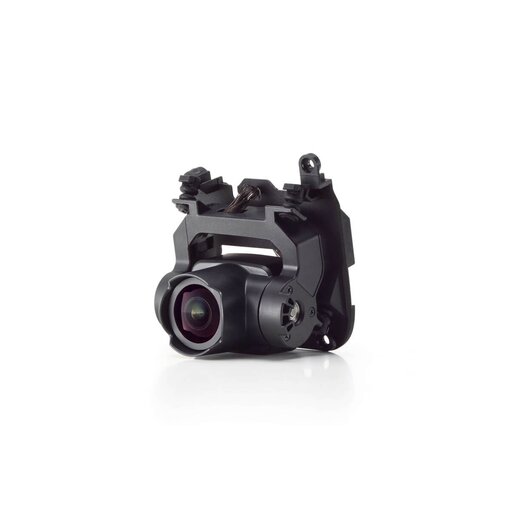
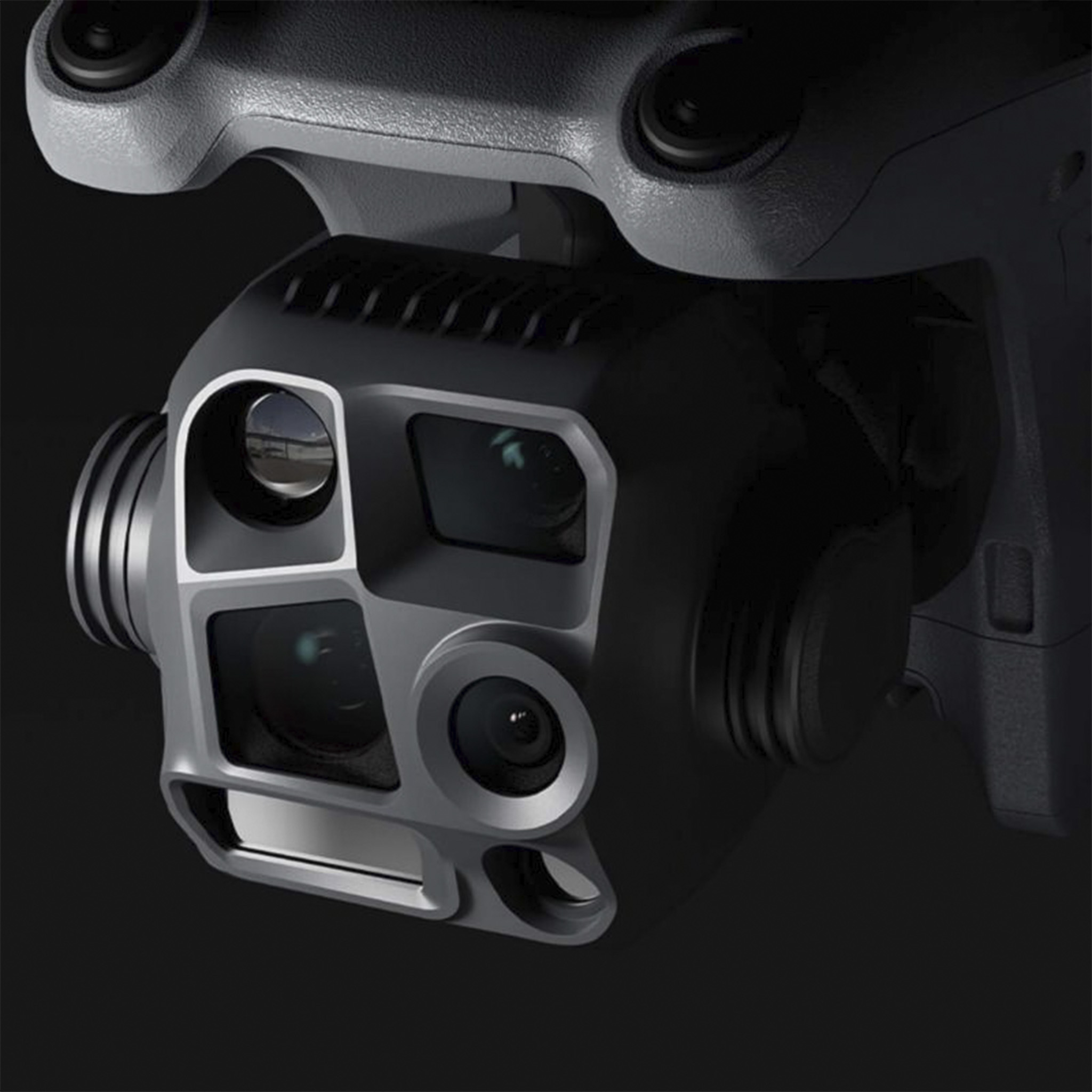
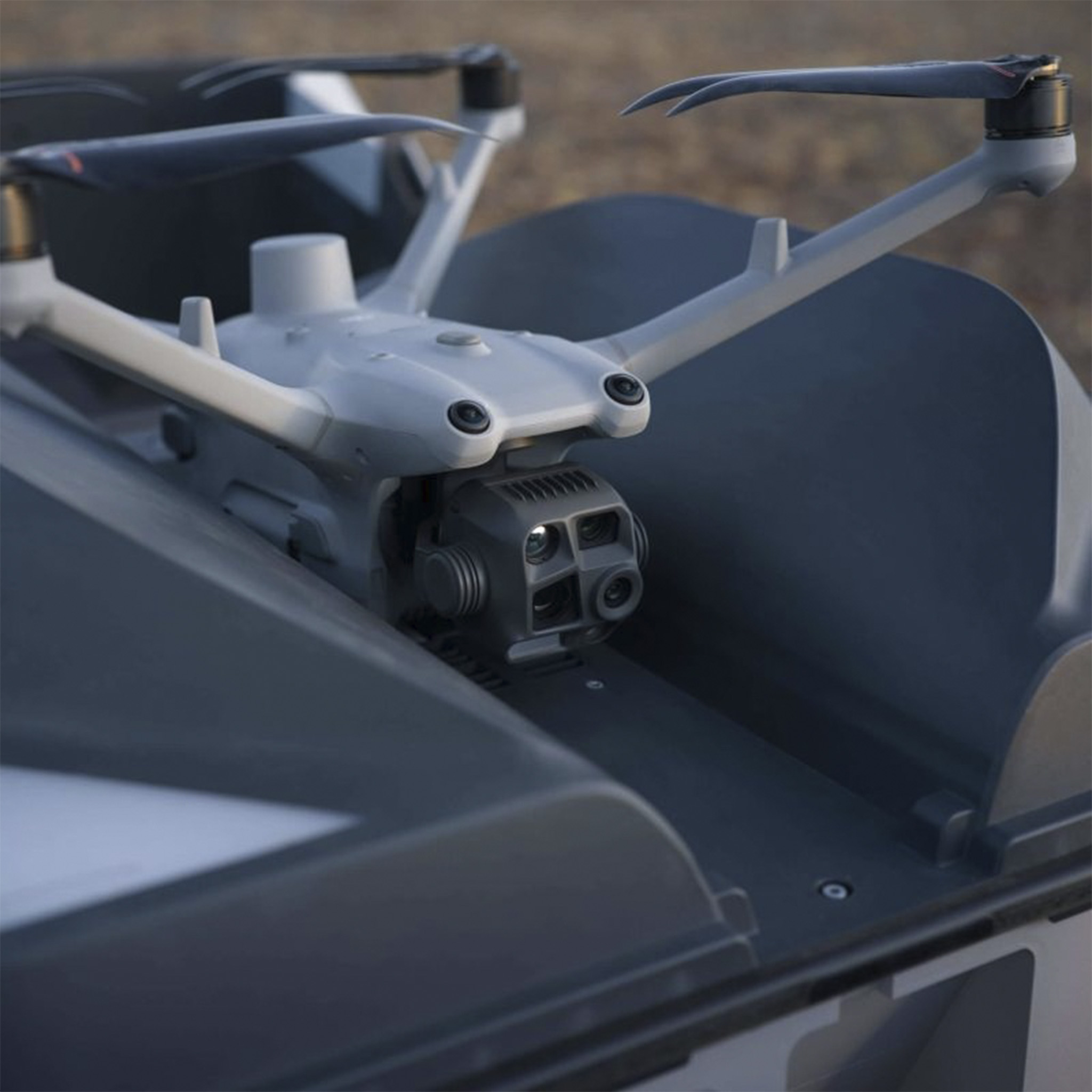
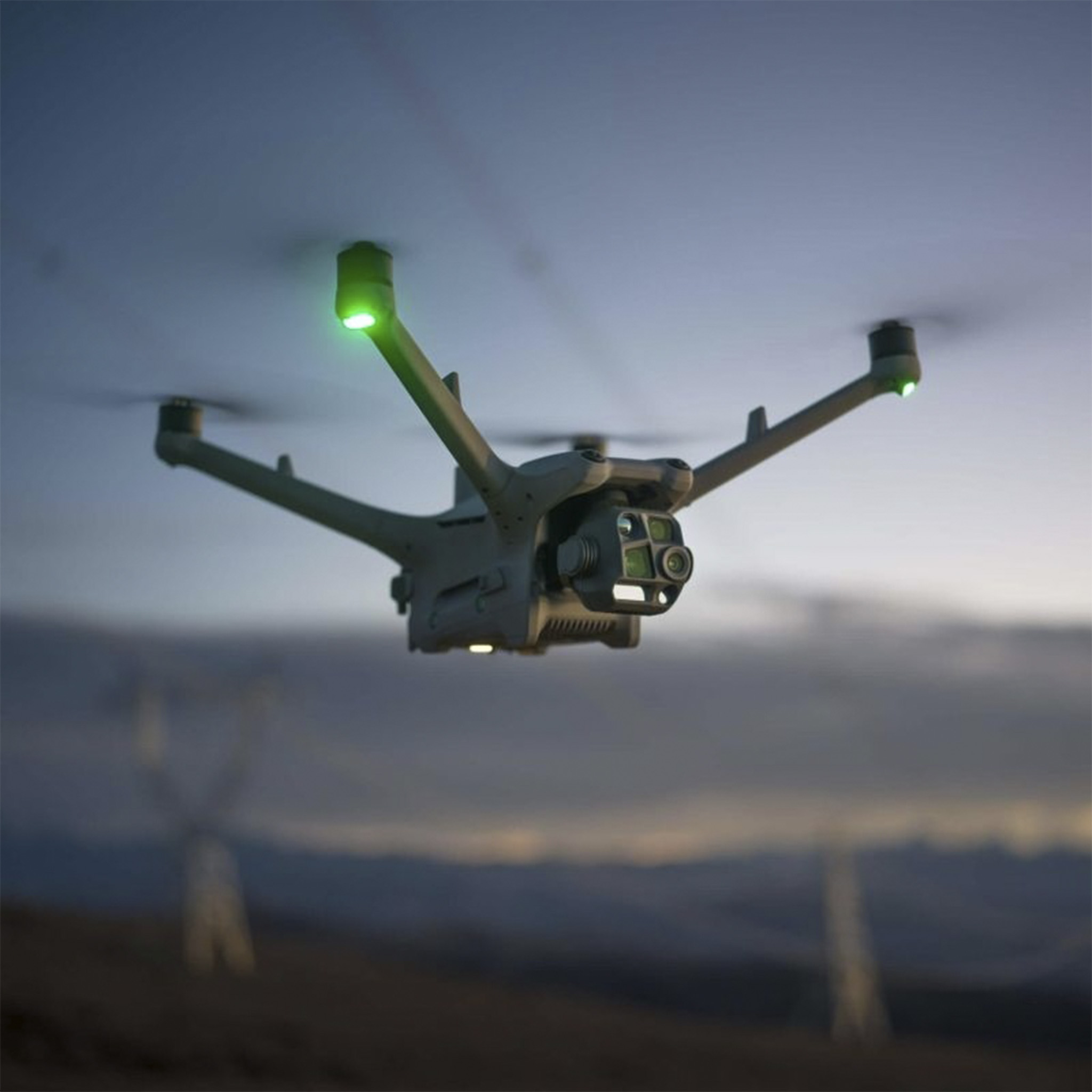
DJI Matrice 4T is equipped with a 1/1.3-inch CMOS 48MP wide-angle camera, a 1/1.3-inch CMOS 48MP medium telephoto camera, a 1/1.5-inch CMOS 48MP telephoto camera, a thermal imaging camera, a nir auxiliary light, and a laser rangefinding module. It features thermal imaging perception and powerful night capturing capabilities.
The DJI Matrice 4E is equipped with a 4/3-inch CMOS 20MP wide-angle camera, a 1/1.3-inch CMOS 48MP medium telephoto camera, a 1/1.5-inch CMOS 48MP telephoto camera, and a laser rangefinding module, providing powerful imaging capabilities.
What is the certification level of DJI Matrice 4 Series in Europe?
DJI Matrice 4 Series is C2 certified by the European Union Aviation Safety Agency (EASA).
Is DJI Matrice 4 Series waterproof?
No. Avoid contact with water during use as it may lead to damage of the device. If it rains during the flight, return and land as soon as possible, and wait until the aircraft is fully dry inside and out before using it again.
How do I activate DJI Matrice 4 Series?
When using DJI RC Plus 2 Enterprise Edition, for the first time, connect to the internet via Wi-Fi or a smartphone hotspot, and then follow the instructions on the remote controller to activate the device. After activating the DJI RC Plus 2 Enterprise Edition, use the DJI Pilot 2 app to connect the remote controller with the DJI Matrice 4 Series aircraft, and follow the prompts on the DJI Pilot 2 app interface to activate the aircraft.
Without 4G dongle (SIM card included), how can I use Network RTK services with DJI Matrice 4 Series?
You can connect to Network RTK via Wi-Fi on the remote controller.
Are Network RTK services of DJI Matrice 4 Series bound to the remote controller or the aircraft?
Remote controller.
Does the tele camera on DJI Matrice 4 Series support mapping without GCPs?
What precautions should be taken when using the infrared camera of DJI Matrice 4T?
DO NOT expose the infrared camera lenses to strong sources of energy such as the sun, lava, or a laser beam. Otherwise, the camera sensor may be burned leading to permanent damage.
If the DJI Matrice 4 series aircraft is powered on without unfolding, the gimbal will not be able to complete the self-check. Will this damage the gimbal?
It will not damage the gimbal.
It is recommended to power on the aircraft after unfolding the arms to avoid collisions between the gimbal and the arms during the self-check.
Is the RTK module of the DJI Matrice 4 series removable?
No.
Remote controllers
Does DJI Matrice 4 Series support dual controls?
No.
What remote controllers are supported by the DJI Matrice 4 Series?
The DJI Matrice 4 series supports two types of remote controllers: DJI RC Plus 2 Enterprise Edition and DJI RC Plus 2 Enterprise Enhanced Edition. Among them, the DJI RC Plus 2 Enterprise Edition is the standard remote controller for the DJI Matrice 4 Series, while the DJI RC Plus 2 Enterprise Enhanced Edition needs to be purchased separately.
What are the differences between DJI RC Plus 2 Enterprise Edition and DJI RC Plus 2 Enterprise Enhanced Edition?
The DJI RC Plus 2 Enterprise Enhanced Edition has added expansion interface components, making it compatible with more industry products.
Do the DJI RC Plus 2 Enterprise Edition and DJI RC Plus 2 Enterprise Enhanced Edition support charging the battery using other USB-C chargers?
Yes. To ensure charging speed, it is recommended to prioritize using the DJI Portable Charger (100W) and other chargers with a power output of over 100 watts that support the PD protocol.
Do DJI RC Plus 2 Enterprise Edition and DJI RC Plus 2 Enterprise Enhanced Edition support MSDK?
Yes.
Does the DJI RC Plus 2 Enterprise Remote Controller support the DJI Mavic 3 Enterprise Series drones?
No.
Battery & Charger
How to Charge the DJI Matrice 4 Series Battery?
The DJI Matrice 4 Series batteries can only be charged using the DJI Matrice 4 Series Charging Hub.
What functions does the DJI Matrice 4 Series Charging Hub support?
DJI Matrice 4 Series Charging Hub Supports two charging modes. By toggling the mode switch on the side of the Charging Hub, you can switch between charging modes.
Standard Mode: Each battery is charged to 100% in sequence.
Ready-to-Fly Mode: Charges each battery to 90% sequentially and maintains that level, enabling quick deployment.
How long does it take to fully charge an Intelligent Flight Battery of the DJI Matrice 4 Series?
Using the standard DJI Matrice 4 Series Charging Hub (100W) and DJI 100W Portable Charger:
In Standard Mode, it takes approximately 78 minutes to fully charge one DJI Matrice 4 Series battery.
In Ready-to-Fly Mode, it takes approximately 60 minutes to charge one DJI Matrice 4 Series battery to 90%.
Using the 200W Charging Hub and DJI 240W Portable Charger (model: CDX230-240):
In Standard Mode, it takes approximately 55 minutes to fully charge one DJI Matrice 4 Series battery.
In Ready-to-Fly Mode, it takes approximately 40 minutes to charge one battery to 90%.
The DJI Matrice 4 Series Charging Hub (200W) is not sold in certain countries or regions. Please contact your local dealer for more information.
Can the DJI Matrice 4 Series Charging Hub (100W) be charged with other USB-C chargers?
Yes. To ensure charging speed, it is recommended to prioritize using the DJI Portable Charger (100W) and other chargers with a power output of over 100 watts that support the PD protocol.
Which port on the DJI 100W Portable Charger should the DJI Matrice 4 Series Charging Hub (100W) connect to?
It is recommended to connect to the C1 port.
Which fast charging protocols are supported by the DJI Matrice 4 Series batteries and Charging Hub (100W)?
DJI Matrice 4 Series batteries and DJI Matrice 4 Series Charging Hub (100W) support PD fast charging protocol.
Does the DJI Matrice 4 Series support aircraft charging?
No.
Can the DJI Matrice 4 Series batteries be used in low-temperature environments?
DJI Matrice 4 Series batteries can work at the operating environment from -10° to 40° C (14° to 104° F). The battery life will be shortened when used in low temperature environment. Please schedule the flight time properly.
Does the DJI Matrice 4 Series battery support self-heating functionality?
No.
Does the DJI Matrice 4 Series Charging Hub (200W) support charging batteries with a USB-C charger?
No. It is only compatible with the DJI 240W Portable Charger (model: CDX230-240) or DJI Power 1000 and must be used with the dedicated SDC cable included in the package. The USB-C port on the Charging Hub (200W) is for configuration and firmware updates only and cannot be used for charging.
The DJI Matrice 4 Series Charging Hub (200W) is not sold in certain countries or regions. Please contact your local dealer for more information.
Speaker/Spotlight
What functions are supported with the DJI AS1 Speaker?
The DJI AS1 Speaker supports recording, media import, and text-to-speech functions*. It also features real-time broadcasting and echo cancellation**, making emergency search and rescue operations more efficient and flexible.
The spotlight and speaker can be used independently or in combination,meeting the needs of more operational scenarios.
* The current text-to-speech function only supports Mandarin Chinese and English.
** Please upgrade the firmware to the latest version.
Which aircraft are compatible with the DJI AS1 Speaker?
Support for use with DJI Matrice 4 Series aircraft.
What are the Installation Precautions for DJI AS1 Speaker?
1. Tighten the screws to ensure secure installation.
2. When using the speaker and spotlight together, please remove the speaker adapter bracket.
3. After installation, please upgrade all devices to the latest firmware and activate the speaker and calibrate the aircraft compass according to the App prompts.
What are the usage precautions for the DJI AS1 Speaker?
Please pay attention to the following when using the speaker:
1. After installing the speaker, the aircraft's power performance will be affected. Please pay attention to flight safety.
2. Use the standard remote controller to play human voices for optimal playback effect. It is not recommended to play single-frequency sounds to avoid irreversible damage to the speaker.
3. DO NOT use the speaker near people or in an urban area where noise-sensitive structures are concentrated, as the loudness could lead to accidents or injuries.
Which languages does the DJI AS1 speaker support for text-to-speech?
Currently only supports Mandarin Chinese and English.
What are the tips for using the real-time broadcasting feature of the DJI AS1 speaker?
Please speak close to the top of the remote controller microphone and maintain a steady pace.
What shortcut operations does the DJI AS1 speaker support?
It supports shortcuts to start/stop real-time broadcasting, which can be set in the custom buttons of the App remote controller for quick operation during tasks.
How to upgrade the firmware of the DJI AS1 Speaker?
Install the speaker on the aircraft. When the aircraft firmware is upgraded, the speaker will be upgraded simultaneously.There are three ways to upgrade the firmware:
1. Connect the aircraft to the computer and use the DA2 software to adjust parameters and upgrade.
2. Click on the firmware upgrade in the main interface of the App to upgrade directly.
3. When the system prompts for a consistency upgrade, click upgrade.
What functions are supported with the DJI AL1 SpotLight?
1. DJI AL1 SpotLight supports always-on and strobe modes; support enabling and disabling follow gimbal orientation mode.
2. The spotlight and speaker can be used independently or in combination,meeting the needs of more operational scenarios.
3. Added wide fov lighting mode, which can illuminate a wider area.*
* Please upgrade the firmware to the latest version.
Which aircraft are compatible with the DJI AL1 SpotLight?
Support for use with DJI Matrice 4 Series aircraft.
What are the usage tips for the DJI AL1 SpotLight?
1. It is recommended to enable the electronic defogging function when using the spotlight in wide-angle or 1X mode on the aircraft to achieve better image quality.
2. It is recommended to appropriately reduce the brightness of the spotlight and turn it on as needed to minimise the impact on the drone's flight time.
What are the installation precautions for the DJI AL1 SpotLight?
1. When installing the spotlight, please tighten the screws to ensure a secure installation.
2. After installing the spotlight, please activate the spotlight according to the App prompts and upgrade all devices to the latest firmware.
What are the usage precautions for the combined functions of the DJI AL1 SpotLight and DJI AS1 Speaker?
When using the speaker and spotlight together, please remove the adapter bracket at the bottom of the speaker, install the speaker onto the top interface of the spotlight, and tighten the screws.
What are the usage precautions for the DJI AL1 SpotLight?
Please pay attention to the following when using the spotlight:
1. After installing the spotlight, the obstacle avoidance and power performance of the aircraft will be affected. When the spotlight is turned on, the obstacle avoidance function will deactivate automatically. Please pay attention to flight safety.
2. DO NOT point the spotlight directly at people's eyes to avoid causing eye damage.
3. The spotlight may become hot after prolonged operation. Please be careful to avoid burns.
How to use the wide fov mode of the DJI AL1 Spotlight?
In the app's spotlight settings, turn on the wide fov mode to increase the illumination range and field of view.This feature is linked to the camera zoom ratio and is only effective with the wide-angle camera and 1X zoom.
How to Upgrade the Firmware of DJI AL1 Spotlight?
Install the spotlight on the aircraft. When the aircraft firmware is upgraded, the spotlight will be upgraded simultaneously.There are three ways to upgrade the firmware:
1. Connect the aircraft to the computer and use the DA2 software to adjust parameters and upgrade.
2. Click on the firmware upgrade in the main interface of the App to upgrade directly.
3. When the system prompts for a consistency upgrade, click upgrade.
What shortcut operations does the DJI AL1 Spotlight support?
It supports shortcuts to turn on/off/ strobe. These can be set in the App remote controller's custom buttons for quick operation during tasks.
Does the DJI AL1 Spotlight support disabling the follow gimbal orientation mode?
In the spotlight settings, you can choose to disable the follow gimbal orientation mode. Please note that once disabled, the spotlight will maintain its current angle; when re-enabled, the spotlight will automatically adjust to align with the gimbal's orientation.
Does the DJI AS1 speaker text-to-speech support changing the voice tone, speed, and pitch?
Yes.
In the speaker settings, you can choose between a male or female voice and adjust the speed and pitch.
Transportation and Storage Precautions for DJI AL1 Spotlight and DJI AS1 speaker.
1. The product may be damaged or malfunction due to external impacts. Please handle with care during use and avoid dropping it.
2. The aircraft can be directly stored in the protector case with the spotlight installed.
Accessory
Is DJI Matrice 4 Series compatible with DJI Goggles?
No.
Software
How to upgrade the firmware of the DJI Matrice 4 Series?
Install the speaker on the aircraft. When the aircraft firmware is upgraded, the speaker will be upgraded simultaneously. You can update the firmware in the following ways:
1. Connect the aircraft to the computer to upgrade the firmware of the aircraft and remote controller through DJI Assistant 2 (Enterprise Series).
2. Use DJI Pilot 2 to update the firmware of the aircraft, remote controller.
3. Visit the official DJI website to download the offline firmware update package for the aircraft and remote controller. Then, insert the SD card storing the firmware package into the remote controller for offline update.
What apps are supported by the DJI Matrice 4 Series?
DJI Pilot 2 app and other software developed by using MSDK.
Does DJI Matrice 4 Series support DJI FlightHub 2?
Yes.
Does the DJI Matrice 4T support smart oblique capture?
The DJI Matrice 4T supports smart oblique capture in the oblique collection function of the area route.
What are the similarities and differences between the smart oblique capture in the oblique collection of the area route of the DJI Matrice 4 series aircraft and the DJI Mavic 3E?
The DJI Matrice 4 series aircraft features 5-direction smart oblique capture, which allows data collection to be completed with just one route. In contrast, the DJI Mavic 3E features 3-direction smart oblique capture, requiring two routes to complete data collection.
What are the similarities and differences between the smart oblique capture in the oblique collection function of the area route of the DJI Matrice 4 series and the Zenmuse P1?
Both the DJI Matrice 4 series and the Zenmuse P1 feature 5-direction smart oblique capture. However, the DJI Matrice 4 series smart oblique capture is in an “X” shape, while the Zenmuse P1 smart oblique capture is in a “+” shape.
Does the DJI Matrice 4 series support flight control through FlightHub 2?
Yes.
DJI Matrice 4 series can control both payloads and aircraft simultaneously and supports live flight controls through FlightHub 2.
Application
Does the DJI Matrice 4 Series support precision mapping?
DJI Matrice 4E supports precise mapping after enabling RTK function.
Equipping DJI Matrice 4T with the RTK module can't guarantee the final precision.
Which SDKs does the DJI Matrice 4 Series support?
DJI Matrice 4 Series supports Payload SDK, Mobile SDK, and Cloud API.
For technical support, please contact dev@dji.com.
How to obtain information and technical support for the DJI Matrice 4 Series “Intelligent Algorithm Developer Program”?
Visit the DJI Developer Platform for more information or contact dev@dji.com for technical assistance.
Others
Can I use the DJI Matrice 4 Series across countries or regions?
No. Please confirm the applicable countries and regions with your dealer before purchasing.
Does the DJI Matrice 4 series come standard with a 4G Enhanced Transmission Module?
No.


 EN
EN  NL
NL  FR
FR  DE
DE  ES
ES  IT
IT