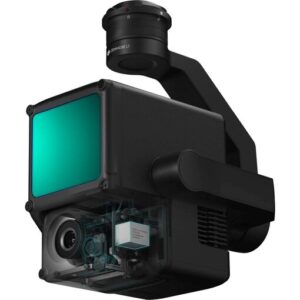
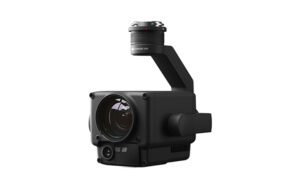
Basic parameters
What's the resolution of the photos taken by DJI P1?
The P1 takes photos with a resolution of 8192 * 5460, or approximately 45 megapixels.
Which image/video formats are supported?
Photos: JPEG, DNG, JPEG+DNG;
Videos: MP4,MOV
What's the shortest continuous shooting interval of the camera?
0.7 seconds.
What's the mechanical shutter speed range of the P1?
1/2000s--1s.
What's the single pixel size of the P1?
4.4μm.
which lenses does the P1 support?
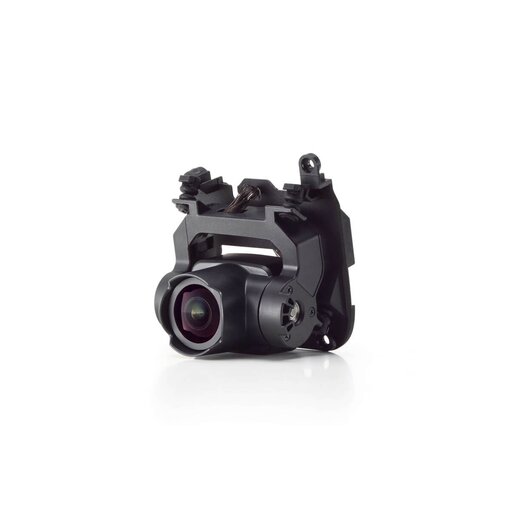
The P1 supports 24mm, 35mm and 50mm lenses with DL mounts.
Which drones support the P1? On which gimbal port can it be installed?
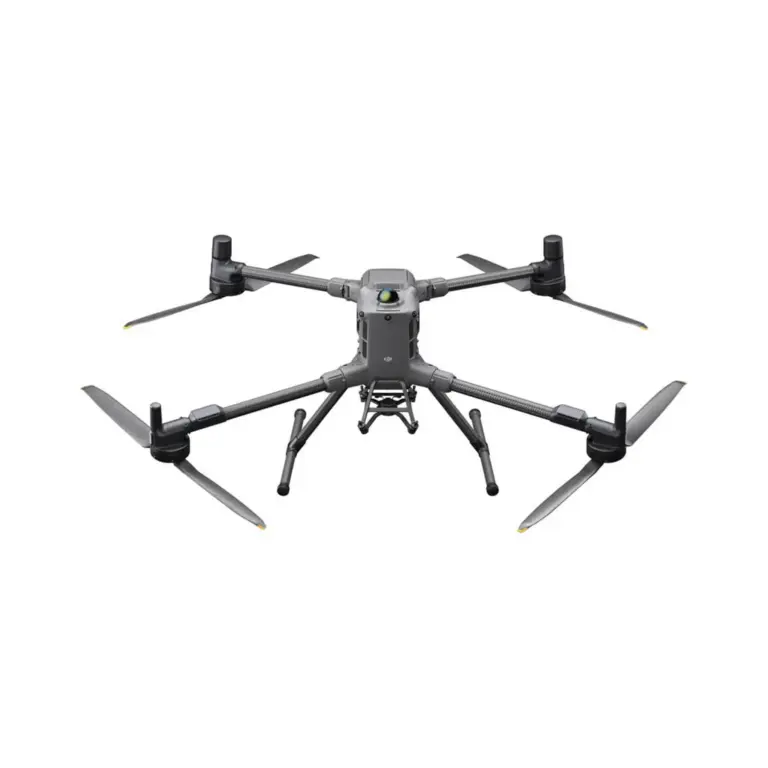
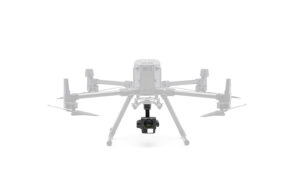
Zenmuse P1 is compatible with Matrice 400, Matrice 350 RTK, and Matrice 300 RTK. When used with Matrice 350 RTK or Matrice 300 RTK, Zenmuse P1 currently only supports mounting on the single downward gimbal connector. When used with Matrice 400, Zenmuse P1 can be mounted onto either the single downward gimbal connector, or any port of the dual downward gimbal connector. If another payload is mounted simultaneously on the dual gimbal connector, the mapping accuracy of P1 will be reduced.
Which position is recorded by the photos taken by the P1?
In photos taken by the P1, the exit pupil position at the centre of the camera lens is recorded.
Does the lens support zooming? How to focus during operation?
Zooming is not currently supported.Initial waypoint auto focus and calibrated infinity focus can be used when in Route mode. Manual focus is required when in Manual mode.
What is the Low-noise High-sensitivity mode of the P1?
The Low-noise and high-sensitivity mode of the P1 can improve camera sensitivity (ISO) while reducing noise levels, which expands the range of operable scenarios for P1.
What are the features of M300 RTK when used with the TimeSync 2.0 of Zenmuse P1 aerial surveying solution?
Output the exposure time interval in microseconds;
Time synchronisation for the camera, the gimbal, the flight control system, and RTK;
Brand-new position and orientation compensation function which writes precise exit pupil positions of the camera into the photos based on the positions and orientations of the drone and the gimbal.
Functional features
How does Smart Oblique Capture work?
The feature allows photos to be taken at multiple angles during a flight by way of payload control. All the ortho- and oblique photos necessary for 3D reconstruction can be acquired through one flight path. Only photos essential to reconstruction will be taken at the edge of the flight area, minimizing the number of images taken and significantly increasing the efficiency of post-processing. As each flight area corresponds to a different flight path section, which requires a distinct oblique capture strategy, all the photos taken for each flight path section will be based on the target data collection zones demarcated by the user's measurement area. During a Smart Oblique Capture operation, the aircraft will fly in the mode with the highest operational efficiency. The flying speed will also be adjusted according to the different oblique capture sequence for each flight path section, to maximize the efficiency of the operation. Currently, the function is only supported by Zenmuse P1 as mounted on the M300 RTK. To use the function, enable it in aerial photography settings for flight path navigation on the DJI Pilot app.
What's the tilt angle range of the camera during the Smart Oblique Capture of the P1?
The tilt angle range is from -45° to -90°.
Can Smart Oblique Capture ensure the photos will cover the edge of the flight area?
The photos taken in Smart Oblique Capture mode are based on the measurement area designated by the user. They will be taken at five different angles covering the area and its edge.
Why are images not taken at turning points in Smart Oblique Capture?
As the camera's shooting angle can be affected by the aircraft's flight position at turning points, Smart Oblique Capture has been added with a buffer zone feature, so that no photos will be taken at turning points. This ensures each image is captured at an accurate tilt angle.
How does Variable Speed Flight work in Smart Oblique Capture?
Each flight path section comes with a different oblique capture sequence, which means the time spent for each sequence can vary. Accordingly, the flying speed for the flight path corresponding to each sequence will also differ, assuming the overlap rate is kept consistent. The aircraft will operate at maximum efficiency in the Smart Oblique Capture mode.
Why does the shooting sequence in Smart Oblique Capture only capture four angles, three angles or even one angle sometimes, but not five?
In Smart Oblique Capture, only photos essential to reconstruction will be taken at the edge of the flight area. The shooting sequence executed depends on the size of the measurement area demarcated by the user, the flight altitude, and the camera's tilt angle.
How is the ground sampling distance of the data collected by the P1 related to its flying altitude?
24mm lens: GSD=H/55;
35mm lens: GSD=H/80;
50mm lens: GSD=H/114;
Ground Sampling Distance GSD is measured in centimetres (cm)/pixel; target distance H is measured in metres (m).
In which surveying and mapping scenarios can the P1 be used?
The P1 can be used in multiple surveying and mapping scenarios including 2D orthomosaic, 3D oblique, detailed modelling, and real-time mapping.
Does the M300 RTK support PPK post-processing when used with the P1?
Yes. The task folder stores photos, original GNSS observations, and TimeStamps.MRK files, which are used for PPK post-processing calculations.
Which types of app control does M300 RTK supoort when used with the P1 aerial survey solution?
Currently, only DJI Pilot is supported.
Which operating modes does the P1 support when used with the M300 RTK?
The P1 supports the following operating modes: aerial photography (including Smart Oblique Capture), oblique photography, corridor mapping flight, waypoint flight, and manual operation.
Which operating modes support the terrain-following flight path function?
The terrain-following flight path function is supported by the aerial photography mode, but not the oblique photography, corridor mapping flight, or Smart Oblique Capture modes.
Does the corridor mapping flight mode support the Smart Oblique Capture function?
No.


 EN
EN  NL
NL  FR
FR  DE
DE  ES
ES  IT
IT