General
What is the UPS mode of the DJI Power 1000 Mini? How do I use it?
UPS stands for Uninterruptible Power Supply. This mode is mainly used to power devices via the DJI Power 1000 Mini during a power outage, to prevent incidents.
When electrical devices are connected to the powered-on DJI Power 1000 Mini and both receive mains power, press the AC button on the charging station. Once the AC indicator light is on continuously, the DJI Power 1000 Mini is in UPS mode by default. The unit can power connected devices within 0.01 seconds. You can decide whether to use this mode depending on the device you are using.
How do I update the firmware of the DJI Power 1000 Mini?
You can update the firmware via the DJI Home app. After connecting the DJI Power 1000 Mini to the app and configuring the Wi-Fi network, go to Settings > Firmware update to upgrade to the latest version.
What is the warranty period of the DJI Power 1000 Mini?
The standard warranty period is five years. Certain accessories, including the retractable cable module, are not covered by the five-year warranty. Please refer to the after-sales service policy for full details.
How should I maintain the DJI Power 1000 Mini and optimise its lifespan?
- DO NOT store the charging station for an extended period after it has been fully discharged. Otherwise, the battery may become too deeply discharged, which may cause irreparable damage to the battery cells.
- For long-term storage, it is recommended to keep the battery level between 50% and 70% (ideal is around 60%). Storage with a high battery level for a long period of time can cause the battery to age faster, while storage with a low level can cause deep discharge. Check the battery level every 3-4 months during storage and recharge if necessary.
- Then, charge and discharge once about every six months: first, discharge the station to below 15%, switch it off and wait two hours or more. Then recharge it to 100% via ‘Standard Recharge Mode’.
What should I do if an error code appears on the charging station?
If an error code appears on the display, connect to the DJI Home app to view the specific problem and solution, or visit DJI Power Series Product Support for more information.
Charging
What charging methods does the DJI Power 1000 Mini support?
AC current:
Charging via wall socket via AC input port.
DC current:
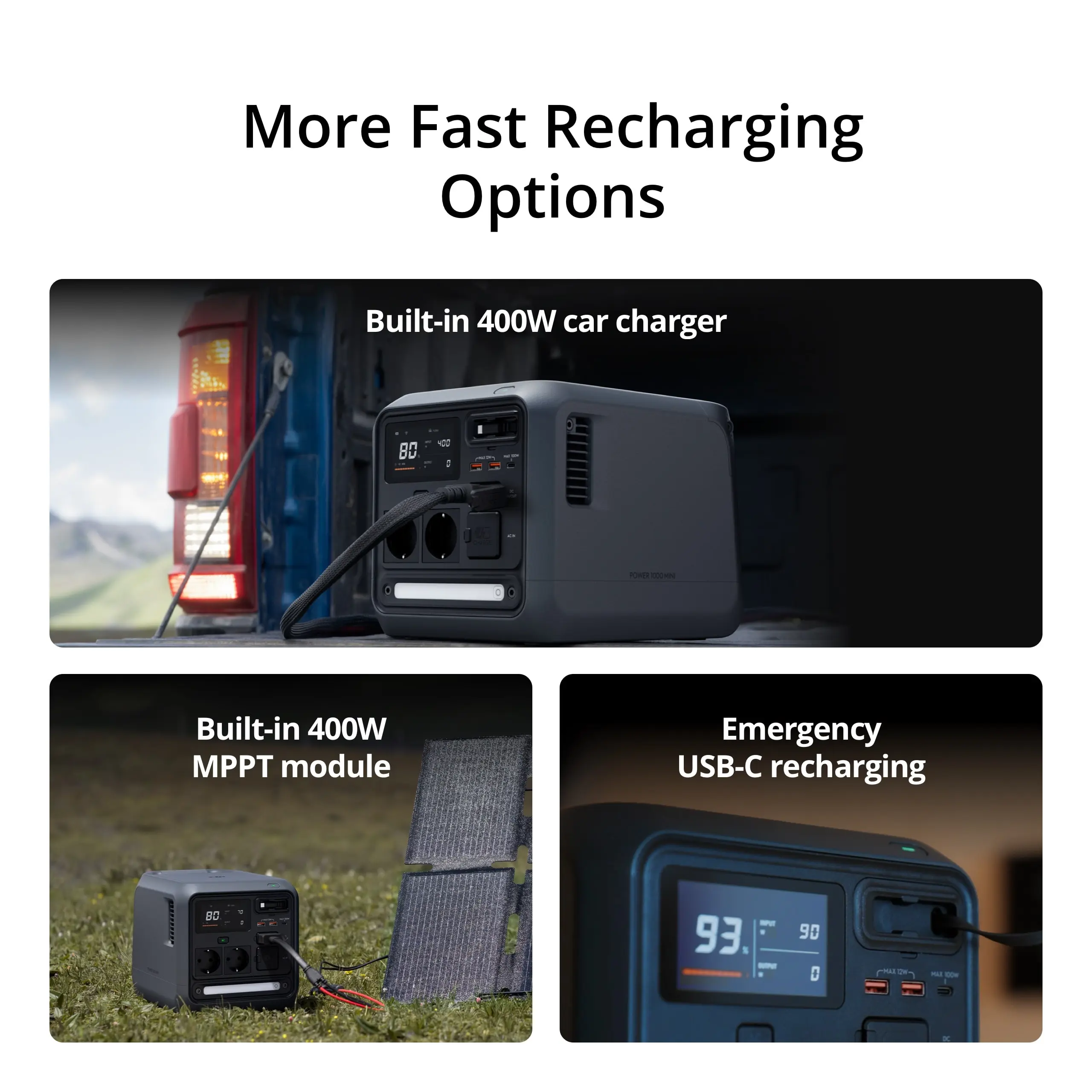
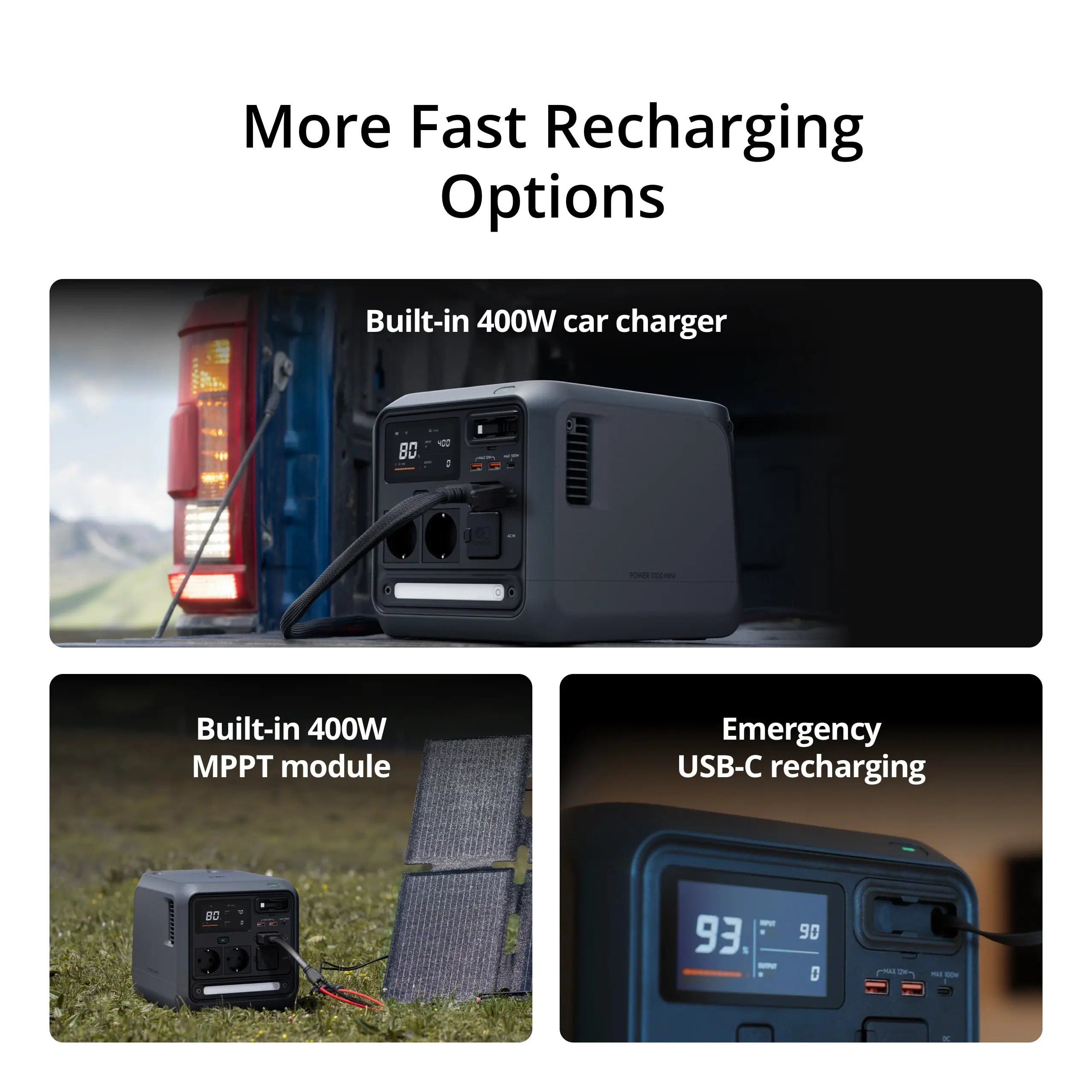
- With the built-in powerful car charging module, you can use the DJI Power Car Battery Charging Cable to connect the unit directly to a car battery.
- The built-in MPPT module allows you to use the DJI Power MC4 Solar Power Charging Cable for efficient charging via solar panels.
- Use the DJI Power Car Power Charging Cable to connect the unit to the car's 12V (cigarette lighter) socket.
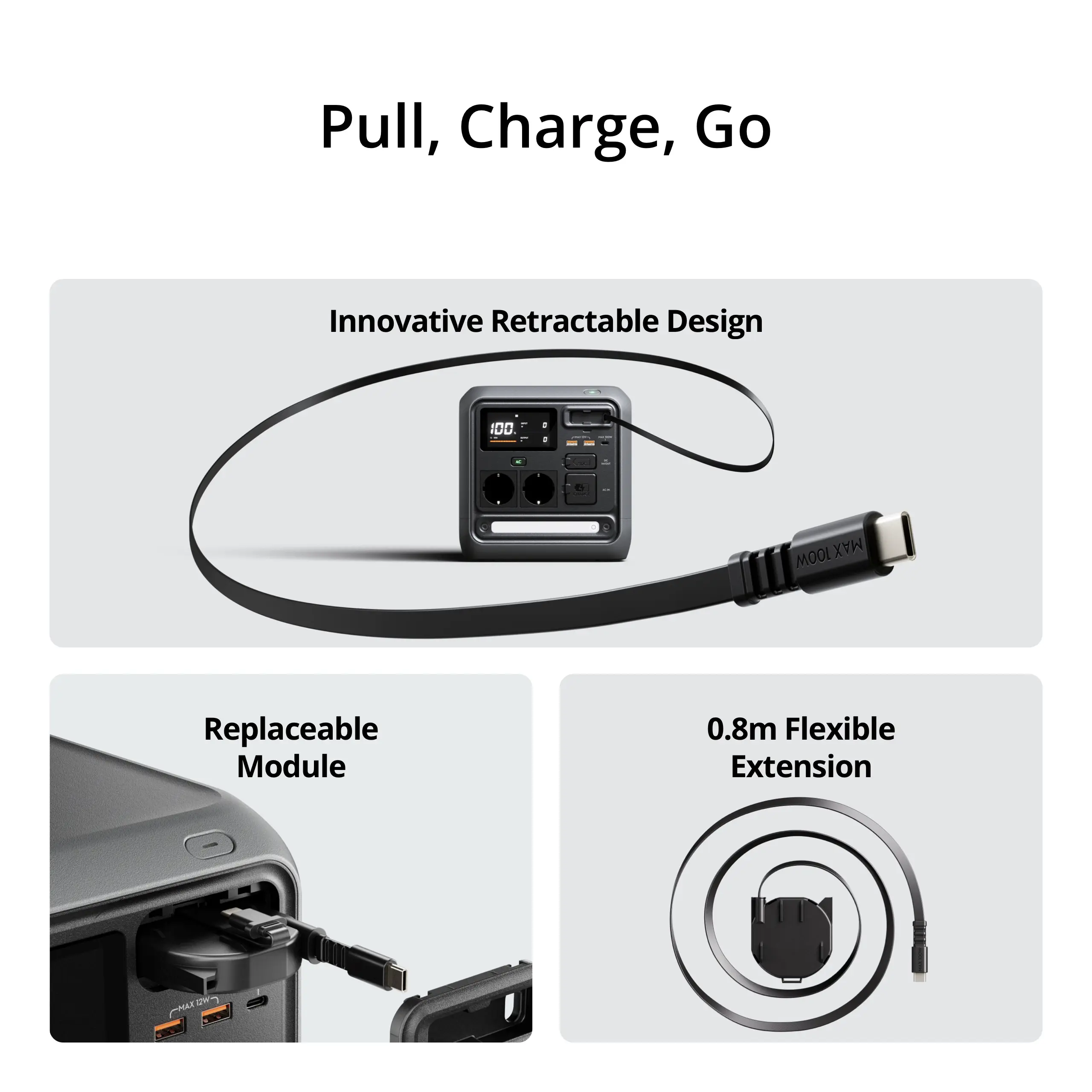
- Charge via the USB-C port or the retractable USB-C cable by connecting the station to a compatible charger.
How do I adjust the charging speed of the DJI Power 1000 Mini?
AC input power and SDC input power for car charging can be adjusted in the DJI Home app.
Power supply
How do I switch on the AC output? How many modes are there?
After turning on the device, press the AC button to activate the AC output, or do so remotely via the DJI Home app.
- If you press the AC button once, the indicator flashes slowly. The AC output switches off automatically after half an hour to save power if no device is being charged.
- If you hold down the AC button, the indicator is on continuously and the AC output does not switch off automatically.
How can I change the frequency of the AC output?
If the AC input frequency does not match the set output frequency, an error code appears. In this case, switch manually:
Make sure the AC output is on, disconnect the AC charging cable and all devices, and press and hold the AC button for about 10 seconds until the frequency on the display changes.
What should I pay attention to when using in cold environments?
In low-temperature environments, the capacity of the power supply is affected and the output power will decrease.
How long does it take for the DJI Power 1000 Mini to switch off when it does not supply power?
You can set the automatic switch-off time in the DJI Home app. If there is no continuous output, it will switch off after 30 minutes by default.
Accessories
What functions are supported via the SDC ports?
The SDC port supports the following functions:
Charging: Fast charging of the DJI Power 1000 Mini via car batteries (up to 400W), 12V/24V car sockets (120W/240W) or solar panels (up to 400W).
Power supply:
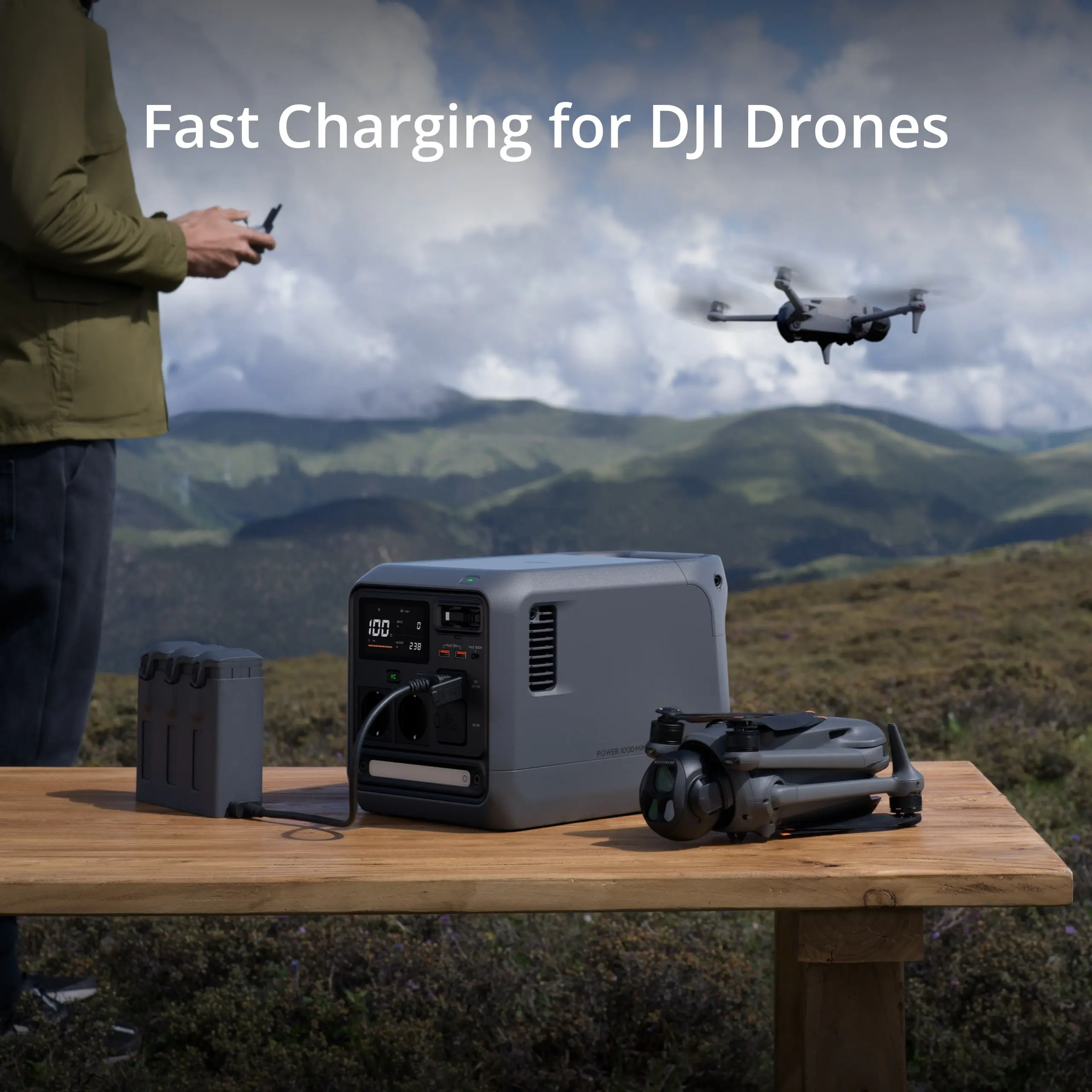
- Quick charging of DJI drone batteries (including Mavic 3, Mavic 4 Pro, Air 3, Matrice series, Inspire 3) with the corresponding quick-wire cables.
- Feeding car equipment via SDC to car charger cable.
- Charging model aircraft batteries via SDC-to-XT60 cable.
Note: The DJI Power 1000 Mini does not support DJI Power 1kW/1.8kW Super Fast Chargers and cannot be expanded with the DJI Power Expansion Battery 2000.
Does the DJI Power 1000 Mini support the DJI Power Dongle?
No. The DJI Power 1000 Mini has a built-in wireless module and can connect directly to Wi-Fi and the DJI Home app.
What should I pay attention to when fast charging DJI drones?
After a flight, wait for the drone battery to cool down before connecting it. Because the last 5% of charging (from 95% to 100%) is via trickle charging, this is slower. You may consider using the battery at 95% already.
Is the retractable cable module replaceable?
Yes. You can remove and replace the module by gently prying open the cover at the notch and releasing the side clips.
How do I adjust the brightness of the LED light bar?
Press once to turn on/off, press twice for SOS, or press and hold to adjust brightness.
 EN
EN  NL
NL  FR
FR  DE
DE  ES
ES  IT
IT