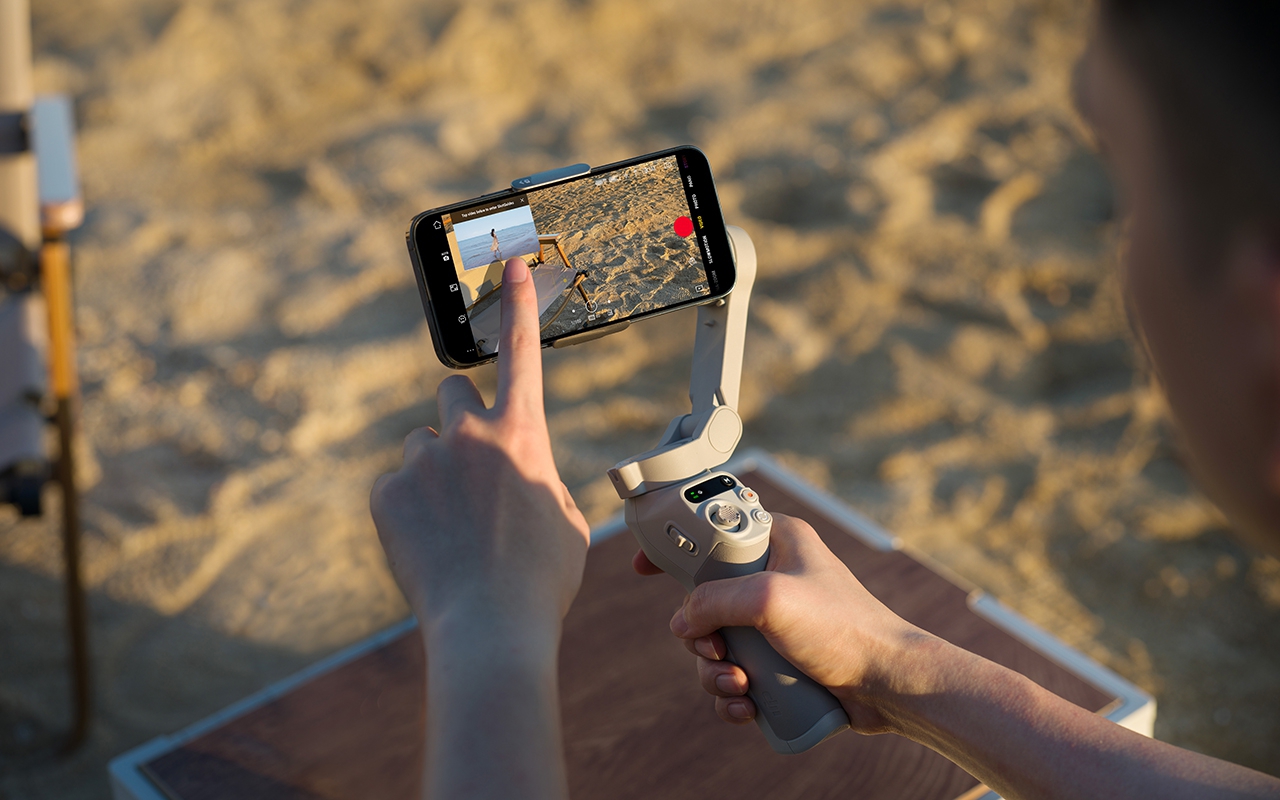
DJI Osmo Mobile SE
Osmo Mobile SE: create magnetic moments
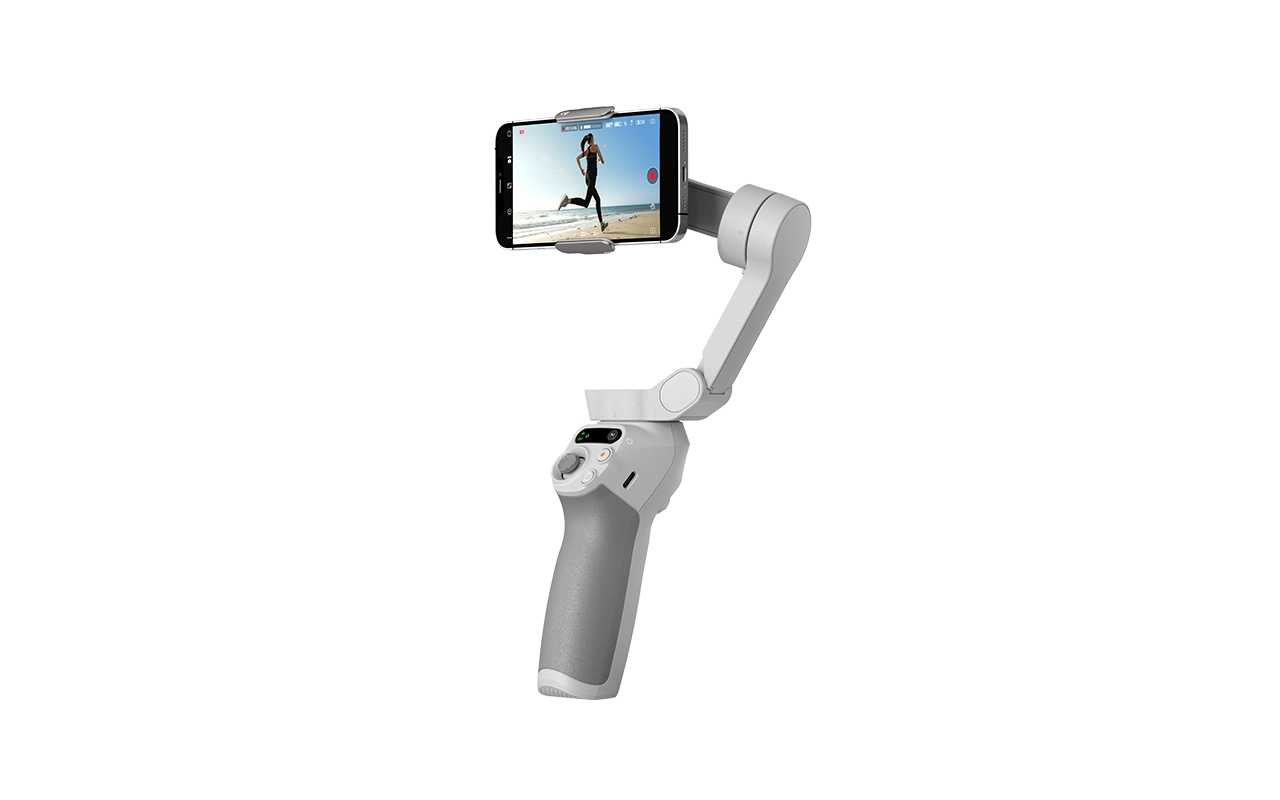
Unfold, plug in and get started. The Osmo Mobile SE's lightweight, foldable body and magnetic quick-release design make it easy to carry around and start shooting in no time. The new status field lets you switch gimbal modes quickly and easily. Numerous intelligent features help to dynamically capture and highlight moments, giving every shot a creative flair.
Compact and handy design || Ready to record || Take it with you
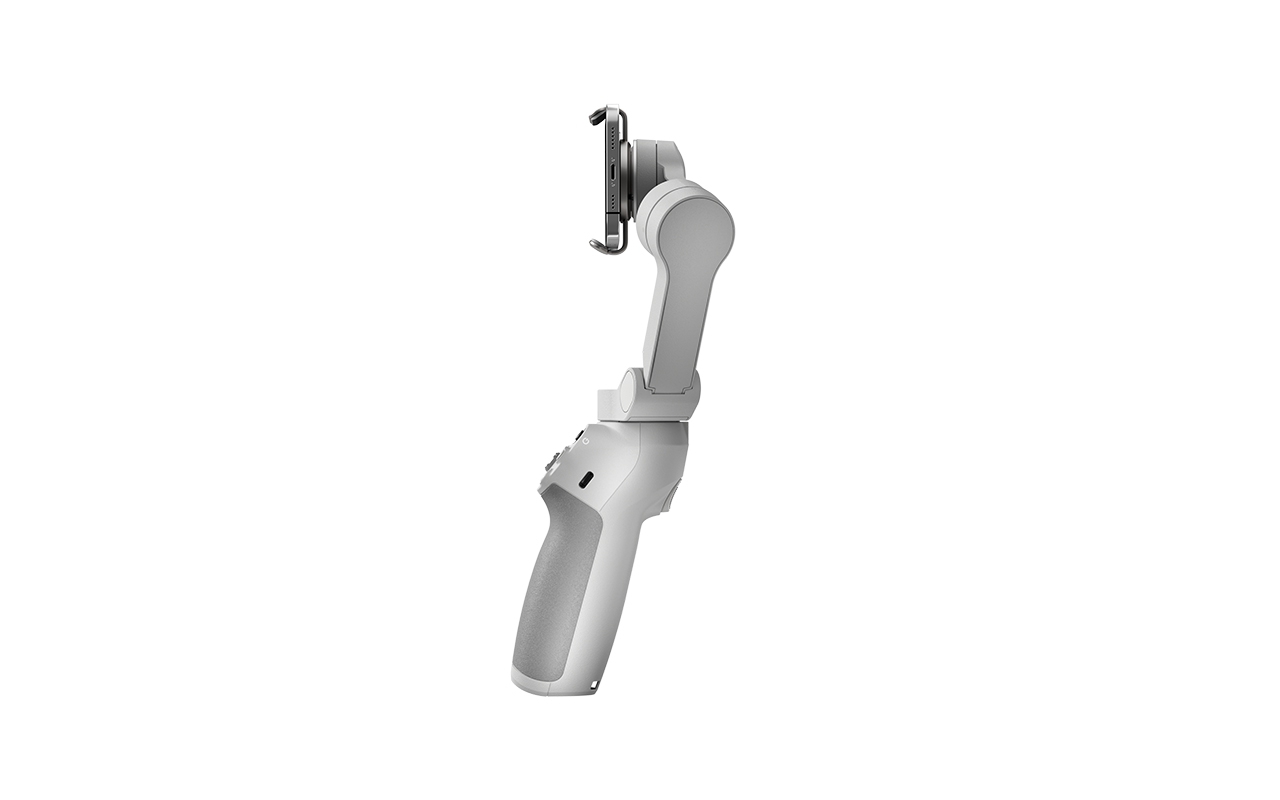
The foldable design makes the Osmo Mobile SE easy to store and transport. Take it everywhere you go, so you're instantly ready to shoot film-worthy videos whenever you get inspired.
Ready to absorb
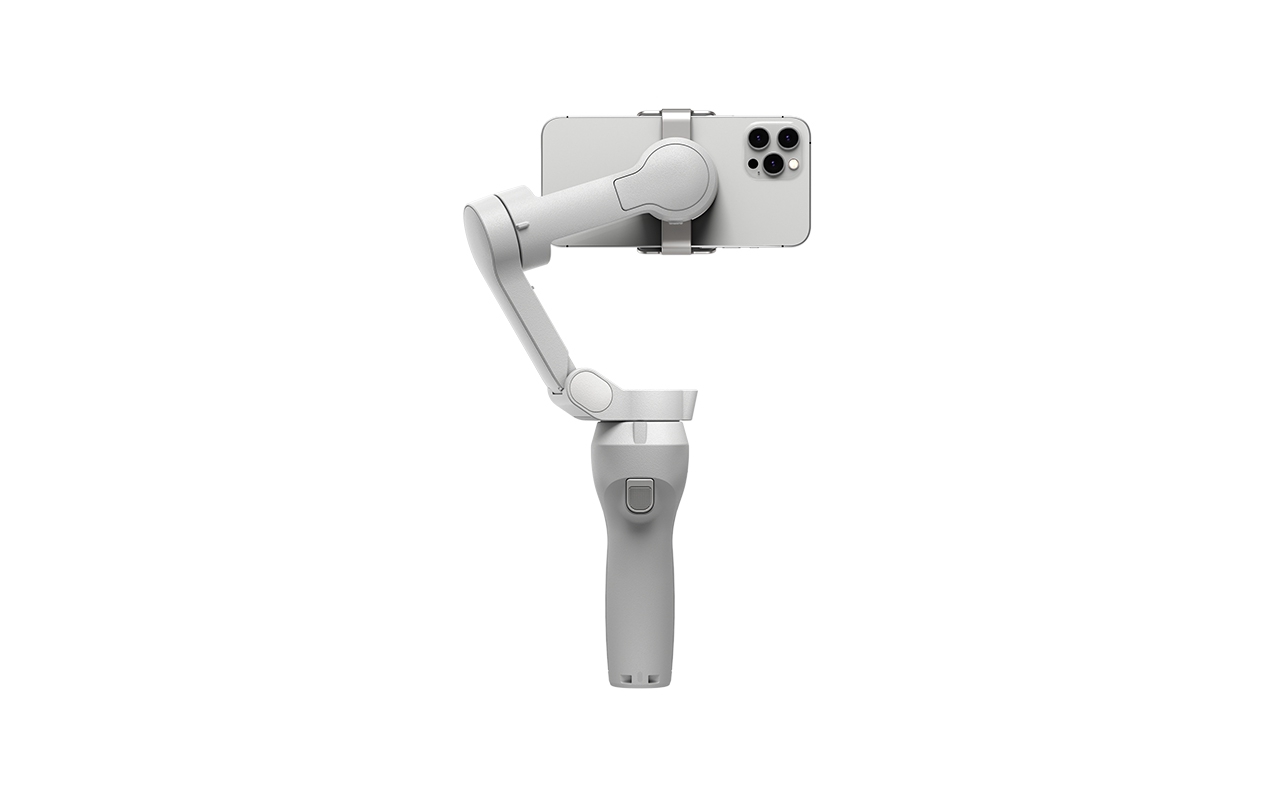
Whether it's a groundbreaking goal or your baby's first steps, you're always ready. Simply connect your smartphone to the gimbal and start recording immediately. The gimbal and magnetic phone clip can be separated, so you can quickly disconnect your smartphone to make calls and share exciting news.
Perfect stabilisation for perfect shooting|| High-precision brushless motor
The Osmo Mobile SE features a small, high-torque brushless motor that allows the gimbal suspension to respond to small movements, even when using large or heavy smartphones. [1]
3-axis stabilisation
With new control algorithms, the Osmo Mobile SE performs real-time compensation based on the attitude of the cardanic suspension and reduces camera shake for buttery smooth shots.
Intelligent features||Make your smartphone even smarter||ActiveTrack 5.0
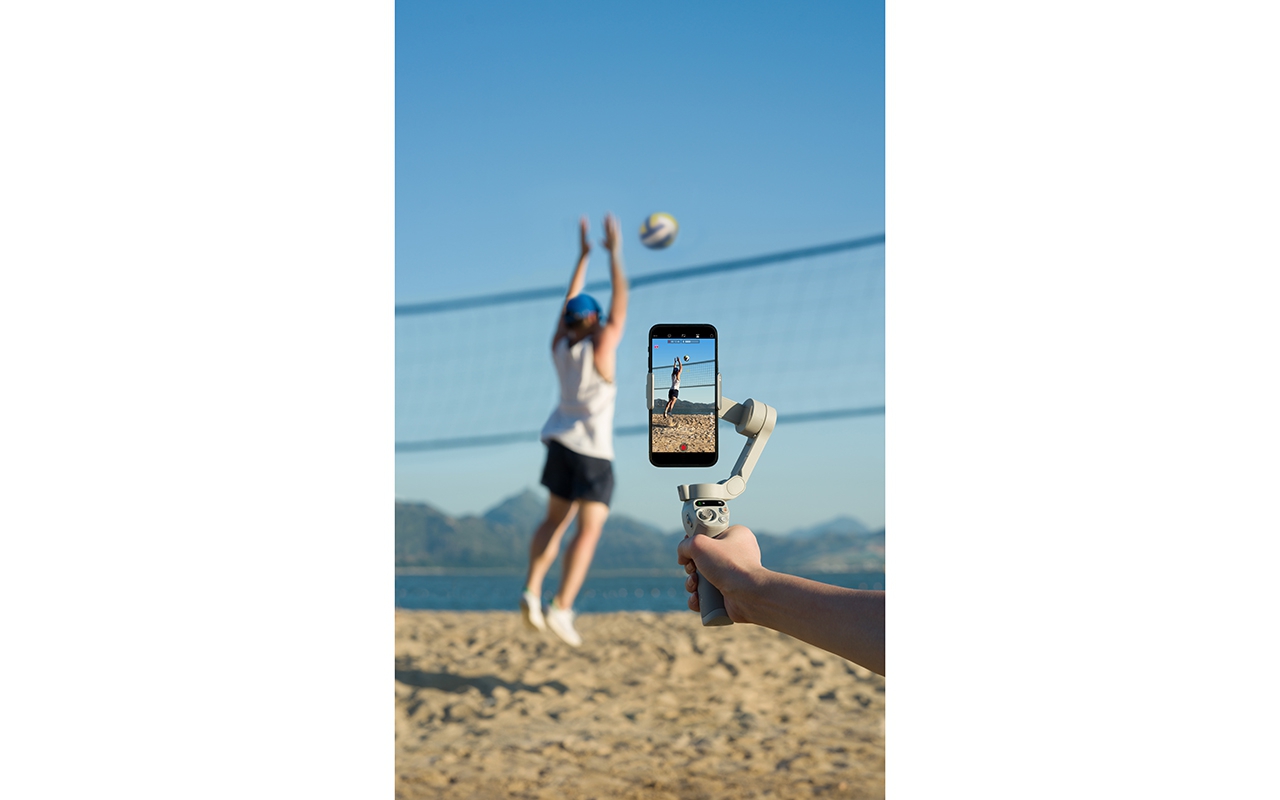
The dizzying turn of a ballerina or wild pet is a simple play for ActiveTrack 5.0. With a newly optimised algorithm, your gimbal can track stably over longer distances while always keeping your subject in view. ActiveTrack can even quickly resume tracking even if the subject is momentarily out of sight and comes back into focus.
Time-lapse
The Osmo Mobile SE supports time-lapse, motionlapse and hyperlapse with simple motionlapse templates to turn your clips into stunning videos.
- Time-lapse: put the camera down and enjoy the scenery. And with Osmo Mobile SE, time-lapse the breathtaking view to remember it forever and share it with others.
- Motionlapse: set multiple gimbal positions and add dynamic camera movements to your timelapse.
- Hyperlapse: Whether you are taking a spring walk or watching passing fields from a car, Hyperlapse lets you summarise movements into a beautiful memory.
Endless creative possibilities
Anything missing from your video? No problem. Osmo Mobile SE is here for you.
- DynamicZoom: use the zoom slider to zoom in or out to give your shot a sense of depth and compression of time and space.
- Gesture control: Want to take a group photo without excluding anyone? Are you filming a video for a casting but don't have anyone to turn the camera on? You can easily start and stop recording with just one hand gesture.
- Panorama: Breathtaking landscapes should be captured in one piece. Panorama helps you capture majestic views quickly and easily. Or use CloneMe Panorama to shoot in several locations at once.
- Story mode: story mode offers several templates with coordinated camera movements, transitions, soundtracks and more, so you can easily share stunning videos with others. Custom templates are also available. Your video. Your choice.
Recording scenarios: record immediately when inspired || horizontally and vertically
Quick Roll makes it easy to switch between lossless horizontal and vertical shots. And tripod mode lets you shoot from a fixed angle in both portrait and landscape mode. Whether you're making a vlog around town or shooting an instructional video, you have complete freedom in your photos.
Intuitive status display
With the new built-in status panel, you can easily check battery level, system status and gimbal mode. Press the M button and you can easily switch between the four gimbal modes and take your photos to a new level.
- Track: in tracking mode, the camera follows the pan and tilt movements of the giba and remains stable while rolling. This mode is suitable for up, down and diagonal shooting.
- Tilt lock: the camera only follows the gimbal's pan movement and remains stable when tilting and rolling, ideal for shooting horizontally or moving around a subject.
- FPV mode: in FPV mode, all three axes follow the movements of the handle. This is perfect for dynamic shooting of fixed subjects such as landmarks, buildings or statues.
- SpinShot: push the joystick left or right to control the rotation of the camera image and create dynamic images. Perfect for shooting from a high angle and when approaching or moving away from a subject.
Recording and editing assistant: With integrated cameraman
ShotGuides lets you choose from a range of shooting tutorials to suit your scene. The instructions are easy to understand and quick to implement. Just follow the instructions and you can be shooting like a professional in no time.
LightCut
With the Osmo Mobile SE, in addition to the DJI Mimo app, you can also use the LightCut app, which offers AI-powered editing and a number of exclusive video templates. This is an easy-to-use total solution, from shooting to post-production, perfect for beginners.
Tips:
1. Compatible with smartphones weighing 170 to 290 g and 67 to 84 mm wide.
2. LightCut is a DJI-recommended app for video editing.DJI Osmo Mobile SE.
 EN
EN  NL
NL  FR
FR  DE
DE  ES
ES  IT
IT