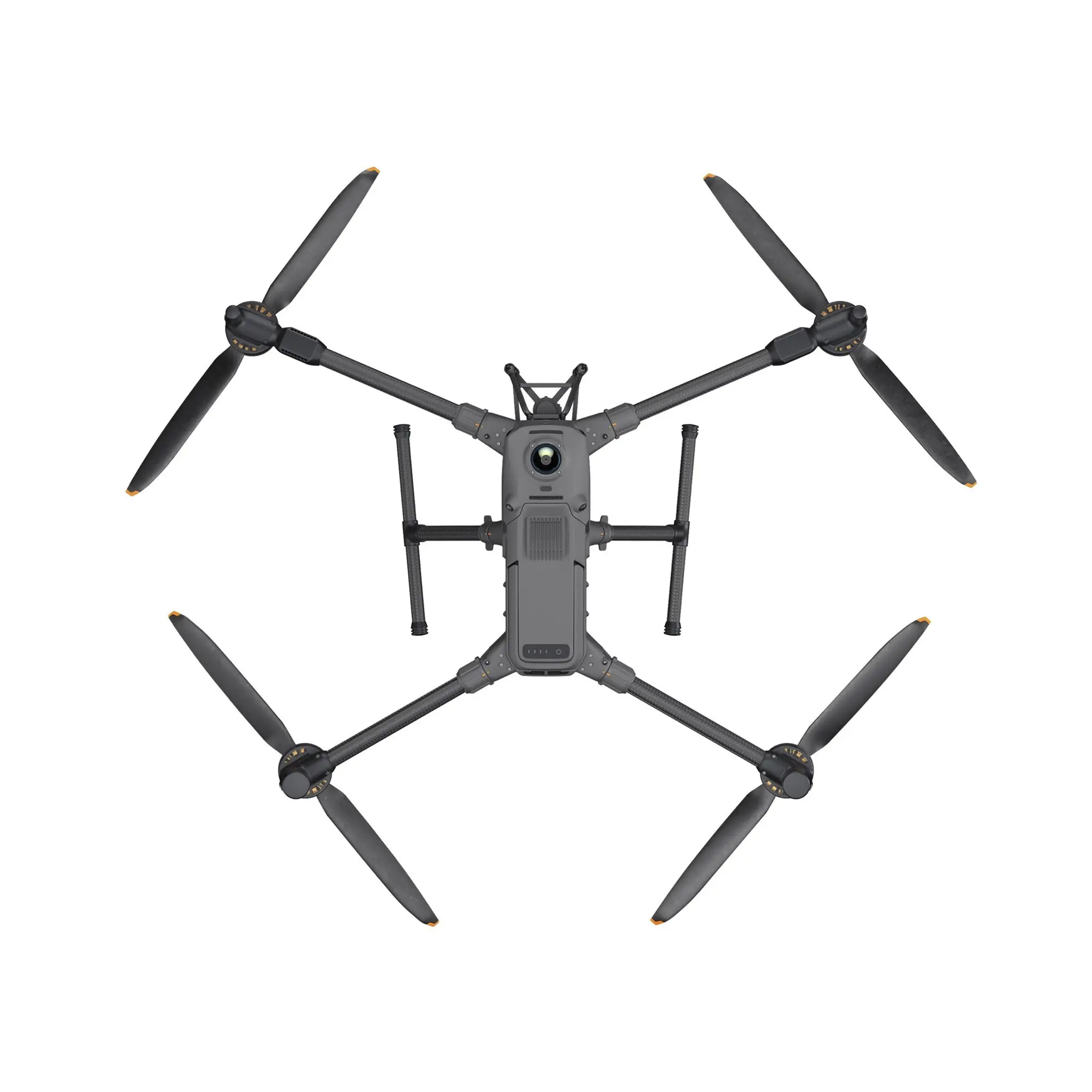
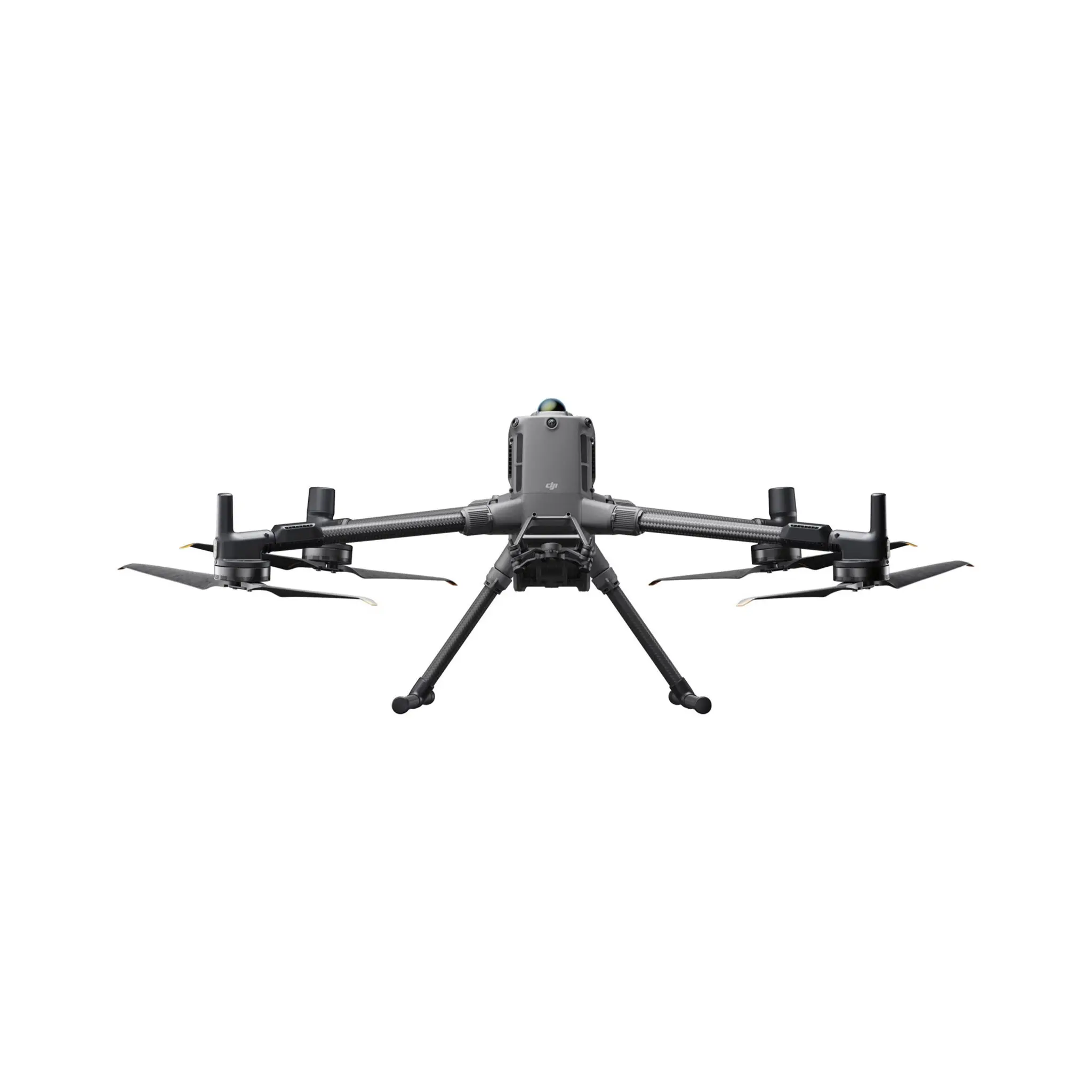
Aircraft
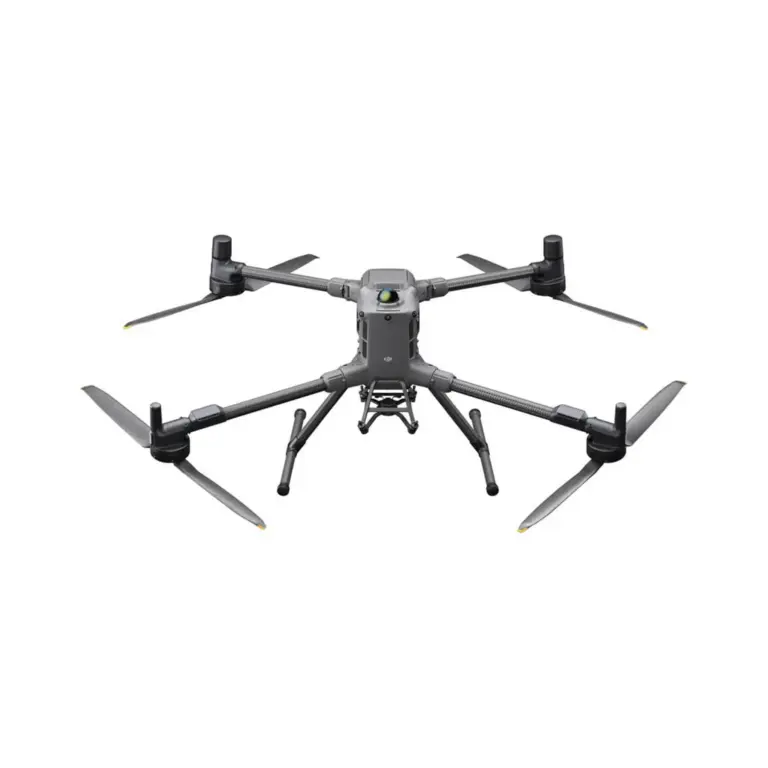
What is the ingress protection (IP) rating of DJI Matrice 400? Can I fly the drone in the rain?
It is IP55 rated. Do not fly in rain heavier than 100 mm/24 hr.
The IP rating is not permanently effective and may decrease due to product wear and tear.
What does the sensing system of DJI Matrice 400 consist of?
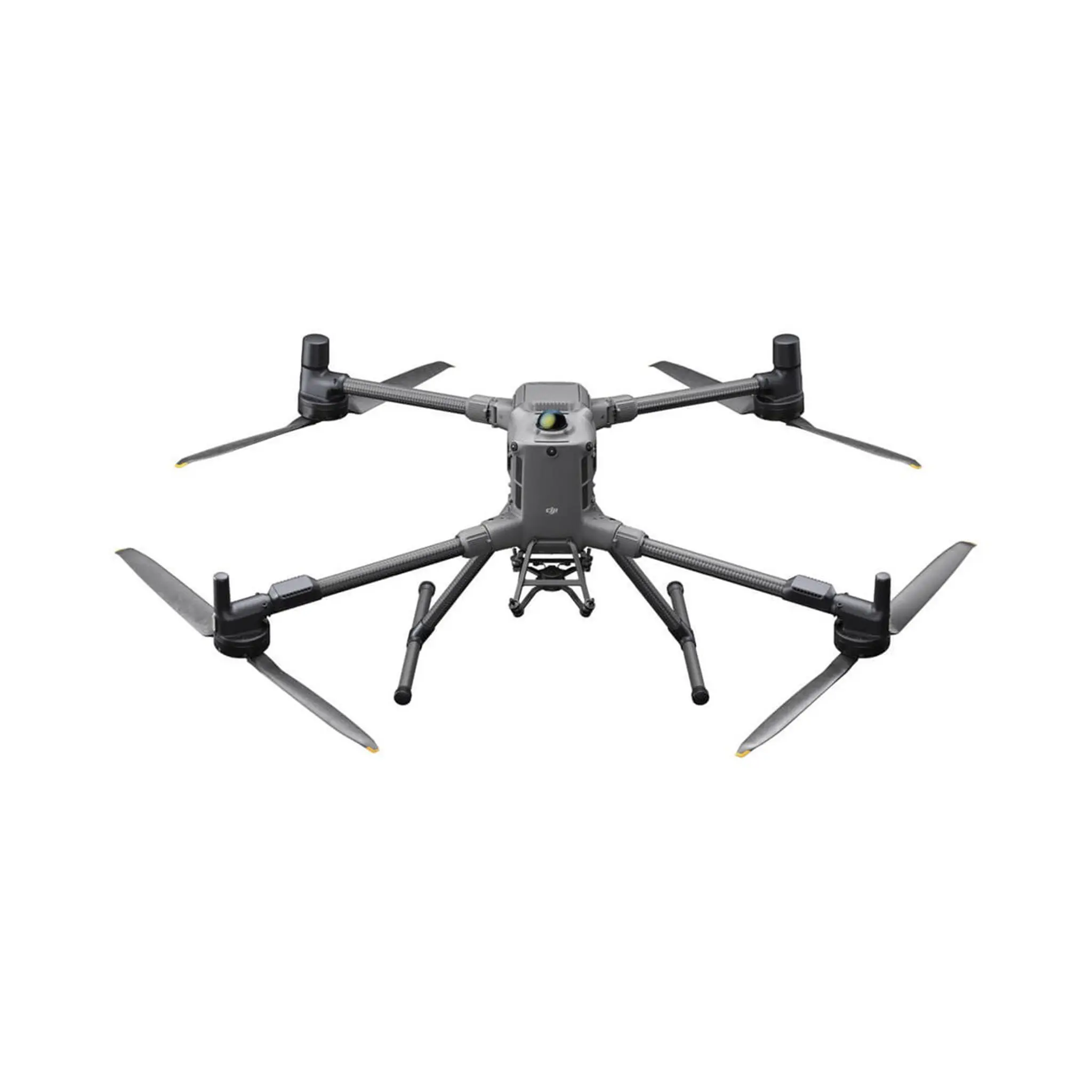
Omnidirectional binocular vision system
Downward-facing binocular vision system
LiDAR (including horizontal rotating LiDAR and upward LiDAR)
Downward 3D infrared range sensor
6-directional mmWave radar
How is the obstacle avoidance capability of DJI Matrice 400?
Power line obstacle sensing capability:
When directly facing a main line (21.6 mm steel-core aluminium stranded wire), obstacle sensing is supported at speeds up to 25 m/s.
When both main lines (21.6 mm steel-core aluminium stranded wire) and distribution lines (12 mm steel-core aluminium stranded wire) are present, obstacle sensing is supported at speeds up to 17 m/s.
Obstacle sensing performance may vary depending on environmental conditions (such as cloud, fog, rain, or snow), as well as the material, position, and shape of the target object.
Due to the limitations of the safety system, the aircraft cannot actively avoid fast-moving objects; please fly with caution in such environments. Refer to the user manual for more information.
The mmWave radar function is unavailable in some countries/regions.
How is the payload capacity of DJI Matrice 400?
The third gimbal connector supports up to 6 kg payload.
When using the single downward gimbal, the dual downward gimbal, and the third gimbal connector simultaneously, the total weight of non-DJI payloads must not exceed 6 kg. Please contact the payload manufacturer to provide a test report to ensure safe flight during low battery conditions.
Does DJI Matrice 400 support dual batteries or a single battery?
Single battery.
What is the certification level of DJI Matrice 400 in Europe?
DJI Matrice 400 is C3 certified by the European Union Aviation Safety Agency (EASA).
How do I activate DJI Matrice 400?
When using DJI RC Plus 2 Enterprise Enhanced for the first time, connect to the internet via Wi-Fi or a smartphone hotspot, and then follow the instructions on the remote controller to activate the device. After activating DJI RC Plus 2 Enterprise Enhanced, use the DJI Pilot 2 app to connect the remote controller with DJI Matrice 400 aircraft, and follow the prompts on the DJI Pilot 2 app interface to activate the aircraft.
Without 4G dongle (SIM card included), how can I use Network RTK services with DJI Matrice 400?
You can connect to Network RTK via Wi-Fi on the remote controller.
Are Network RTK services of DJI Matrice 400 bound to the remote controller or the aircraft?
Remote controller.
Does DJI Matrice 400 support quick start?
DJI Matrice 400 features a built-in capacitor that provides backup power to essential components during battery replacement. If the battery swap is completed within 45 seconds, the aircraft can resume operation quickly.
Which payloads and accessories are compatible with DJI Matrice 400?
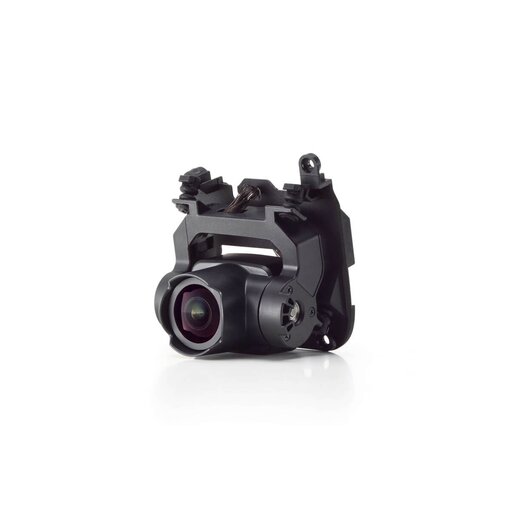
Gimbal Cameras: Zenmuse L3, Zenmuse H30, Zenmuse H30T, Zenmuse L2 and Zenmuse P1
Functional Accessories: Zenmuse S1 Spotlight, Zenmuse V1 Speaker, Manifold 3, DJI RC Plus 2 sub2G SDR Module*, DJI Cellular Dongle 2
RTK Stations: D-RTK 3 Multifunctional Station, D-RTK 2 Mobile Station
Ecosystem Accessories: DJI X-Port
DJI E-Port V2 Development Kit
DJI E-Port V2 Coaxial Cable Kit
DJI SKYPORT V3 Adapter Set
DJI SKYPORT V3 Coaxial Cable Kit
* Operating frequency allowed varies among countries and regions. Refer to local laws and regulations for more information.
Can I install an upward gimbal connector on DJI Matrice 400?
No.
What mounting options does DJI Matrice 400 support?
It supports mounting payloads via the single downward, dual downward, third gimbal connector, and Zenmuse L3 single gimbal connector.
How many payload ports does DJI Matrice 400 have?
It has four external E-Port V2 ports. The E4 port of the E-Port V2 can be expanded into four payload ports via the E-Port HUB expansion plate, allowing DJI Matrice 400 to support up to seven payloads in total.
Does DJI Matrice 400 have high-altitude propellers?
No, high-altitude propellers are not provided, but the standard propellers support flights up to 7,000 metres above sea level.
What types of propellers does DJI Matrice 400 support?
It comes with the standard 2510F Propellers.
What are the performance benefits of having the front and rear propellers of the DJI Matrice 400 positioned at different heights?
It improves propulsion efficiency and enhances flight stability.
Can I replace the propellers of DJI Matrice 400 by myself?
Yes, but it is only recommended in emergency situations. After completing your operations for the day, please have the dealer check that the propellers are properly and securely installed.
What precautions should be taken when using the top-mounted rotating LiDAR on DJI Matrice 400 aircraft?
1. Always install the protective cover on the rotating LiDAR when it is not in use.
2. If the dome becomes dirty, promptly clean it with the included cleaning cloth to ensure optimal obstacle avoidance performance.
Does DJI Matrice 400 support relay functionality? How many aircraft can be relayed at the same time?
Yes, DJI Matrice 400 supports onboard relay and can provide relay functionality for one additional Matrice 400 aircraft at a time.
This feature is unavailable in countries or regions without 5GHz frequency support. Refer to local laws and regulations for more information.
Does DJI Matrice 400 support D-RTK 3?
Yes.
Does DJI Matrice 400 support 4G Enhanced Transmission?
Yes. The aircraft supports the installation of two enhanced 4G video transmission modules.
Can I use the accessories of DJI Matrice 400 on DJI Matrice 350?
Accessories for DJI Matrice 400 and DJI Matrice 350 are not compatible with each other.
Boat Launch
When the aircraft is placed on a vessel and the Boat Launch mode is off, I see warnings like sensor error or ship speed too high, what should I do?
Once you enable Boat Launch, these warnings will disappear.
When enabling Dynamic Home Point, a “Failed to Enable” message appears. How do I resolve this?
Turn off Dynamic Home Point and then turn it back on. If the issue continues, fully close the app and reopen it.
After enabling Boat Launch, will the obstacle avoidance be turned off?
Yes. When Boat Launch is enabled, the downward obstacle avoidance is automatically disabled to allow for automatic takeoff and landing. If you fly over land or other environments, make sure to check the status of downward obstacle avoidance to ensure safe operation.
What should I be aware of when using Boat Launch?
1. It is recommended to use the rear of the vessel for takeoff and landing. Currently, DJI Matrice 400 supports takeoff from static vessels and landing on moving vessels with speeds below 10 knots.
2. Reserve a flat, unobstructed area of 3 m × 3 m on the deck for takeoff and landing. Ensure there is clear overhead space. Place the official landing point pattern in the centre, making sure its size, colour, and shape match DJI's specifications. Do not attach any payloads to the underside of the aircraft.
3. During takeoff and landing, combine using the remote controller's live video feed with direct visual observation to quickly notice any changes in the surrounding environment.
4. After the drone detects the landing point pattern, the remote controller will have sound and vibration alerts. You can press the C1 button to trigger auto landing.
5. During auto landing, when the drone is above the landing point pattern, continue to hold the throttle stick down to ensure a fast descent and reduce the risk of failed landing due to sudden changes in the environment.
6. During auto landing, the aircraft may automatically ascend due to failure in recognizing the landing point pattern, and exit landing mode if it rises above 20 meters. If the landing point pattern is successfully recognised during ascent, it will automatically re-enter landing mode.
After enabling Boat Launch, the Health Management System (HMS) indicates insufficient onboard satellite acquisition and suggests moving to an open area. What should I do?
This is normal. Remain stationary and wait for satellite signals to converge and obtain a stable position fix. This usually takes about 20 to 30 seconds, and may take longer if the signal is weak.
After powering on, an IMU abnormality or large IMU deviation warning persists. What should I do?
Power on the drone while holding it in your hands. After startup is complete, place the drone back on the vessel. The warning will disappear.
Remote controller
What are the differences between DJI RC Plus 2 Enterprise and DJI RC Plus 2 Enterprise Enhanced?
The DJI RC Plus 2 Enterprise Enhanced can be equipped with the DJI RC Plus 2 sub2G SDR Module, which supports sub2G communication frequency bands.
Operating frequency allowed varies among countries and regions. Refer to local laws and regulations for more information.
What does the DJI RC Plus 2 sub2G SDR Module do?
The module enables the use of supported sub2G (below 2 GHz) frequency bands, increasing the transmission range and anti-interference capability between the aircraft and the remote controller.
Operating frequency allowed varies among countries and regions. Refer to local laws and regulations for more information.
Does the DJI RC Plus 2 Enterprise Enhanced remote controller support the Matrice 4 series, Matrice 4D series, Mavic 3 Enterprise series, Matrice 3D Enterprise series and Matrice 350 RTK?
1. It does not support the Mavic 3 Enterprise series, Matrice 3D Enterprise series or Matrice 350 RTK.
2. It supports the Matrice 4 series and Matrice 4D series, but they must be upgraded to version 14.1 to support pairing.
3. None of these drones support the sub2G communication frequency band.
Do DJI RC Plus 2 Enterprise and DJI RC Plus 2 Enterprise Enhanced support charging their batteries with third-party USB-C chargers?
Yes. To ensure optimal charging speed, we recommend using the USB-C port on the BS100 battery station, or other USB-C chargers that support the PD protocol and have a power output of at least 65W.
Do DJI RC Plus 2 Enterprise and DJI RC Plus 2 Enterprise Enhanced support MSDK?
Yes.
Battery & Battery Station
How to recharge the TB100 battery?
You can use the BS100 battery station for charging.
How long does it take to fully recharge one TB100 Intelligent Flight Battery?
With a 220 V power supply: In fast charging mode, it takes approximately 45 minutes to fully recharge one DJI Matrice 400 battery. In silent mode, it takes approximately 110 minutes to fully recharge one DJI Matrice 400 battery.
With a 110 V power supply: In fast charging mode, it takes approximately 70 minutes to fully recharge one DJI Matrice 400 battery. In silent mode, it takes approximately 110 minutes to fully recharge one DJI Matrice 400 battery.
Charging time is measured in a test environment with a temperature of 25° C (77° F).
Does DJI Matrice 400 battery support self-heating functionality?
Yes.
1. When using the battery with the battery station: If the temperature of the TB100/TB100C battery is below 5°C, insert the battery into the battery station and turn on the power. The battery will automatically begin to heat. Once the battery temperature exceeds 20°C, self-heating will stop and charging will start.
2. When using the battery with the aircraft: If the battery temperature is below 20°C, insert the battery into the aircraft. The battery will automatically heat up to 20°C, then stop heating and enter a temperature maintenance mode.
What are the precautions for using the TB100C Tethered Battery?
The TB100C Tethered Battery must be used with a DJI ecosystem partner's tethered power system (tethered mode) or a DJI ecosystem partner's drone dock (dock mode). For specific details, please consult the relevant ecosystem partner.
Can the tethered battery's tethered connection cable be used to lift the battery?
The connection cable extended from the tethered battery is a current-carrying cable. Please do not use it directly to lift the battery.
How is the power-off endurance function implemented?
1. To use the power-off endurance function, you can hot-swap the battery directly without needing to short press and then long press the power button to shut down.
2. If you do not want to use the power-off endurance function, shut down the device by short pressing once and then long pressing the power button.
What are the precautions when inserting or removing the battery?
1. After inserting the battery into the aircraft, ensure it is fully locked in place before pressing down the handle. This helps prevent the handle from interfering with the pivot and potentially breaking.
2. After the WB37 battery is fully charged, press the unlock button before removing the battery from the battery station.
How to confirm the battery is properly installed?
When installing the battery onto the device, press down the handle until you hear a “click.” This indicates that the handle is securely in place.
What is the function of the USB-C port?
The USB-C port can be used for both recharging and data transfer.
What are the precautions for using the small battery?
After the WB37 battery is fully charged, press the unlock button before removing the battery from the battery station.
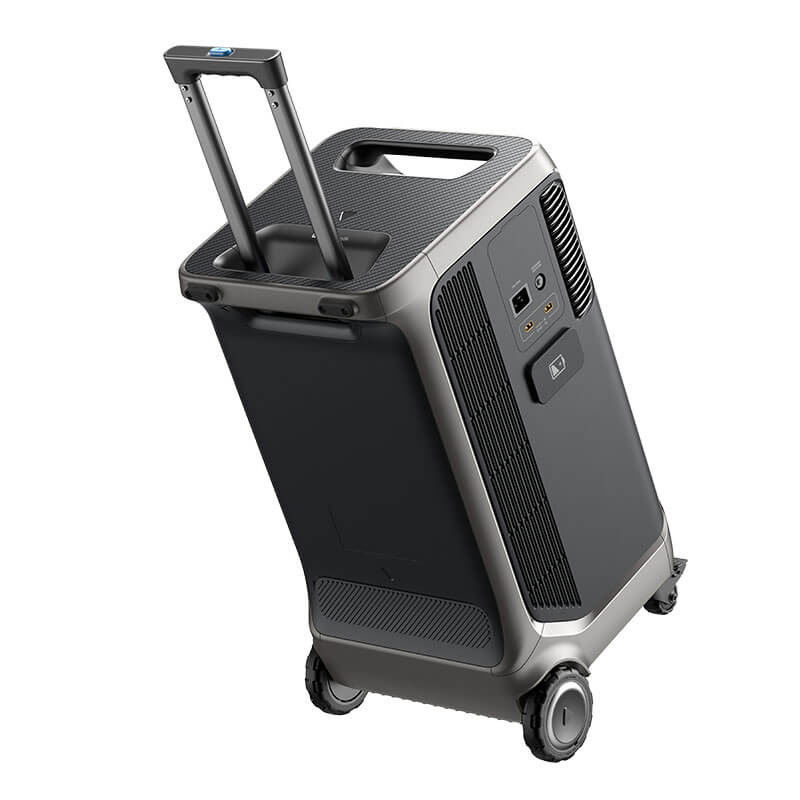
What is the maximum charging power of the BS100 battery station?
TB100 battery interface:
100-110 V AC input: 54.6 V DC output, maximum current 21.7 A
110-180 V AC input: 54.6 V DC output, maximum current 27 A
180-240 V AC input: 54.6 V DC output, maximum current 40 A
Software
How to upgrade the firmware of DJI Matrice 400?
The following methods can be used to upgrade the firmware:
1. Connect the aircraft to the computer to upgrade the firmware of the aircraft and remote controller through DJI Assistant 2 (Enterprise Series).
2. Use DJI Pilot 2 to update the firmware of the aircraft, remote controller.
3. Visit the official DJI website to download the offline firmware update package for the aircraft and remote controller. Then, insert the SD card storing the firmware package into the remote controller for offline update.
What apps are supported by DJI Matrice 400?
DJI Pilot 2 app and other software developed by using MSDK.
Does DJI Matrice 400 support dual controls?
Yes.
Does DJI Matrice 400 support integration with DJI FlightHub 2 for remote control of the aircraft and DJI payloads?
Yes. DJI Matrice 400 supports remote control of flights, gimbal cameras, PSDK accessories, and route-related functions through DJI FlightHub 2.
Open Developer Ecosystem
Which kinds of SDK development does DJI Matrice 400 support?
It supports Manifold 3, Payload SDK, Mobile SDK, and Cloud API.
For technical support, contact dev@dji.com.
How can I access information and technical support for the DJI Matrice 400 Intelligent Algorithm Developer?
You can visit the DJI Developer webpage for relevant information or contact dev@dji.com for technical assistance.
Others
Can I use DJI Matrice 400 across countries or regions?
No. Please confirm the applicable countries and regions with your dealer before purchasing.


 EN
EN  NL
NL  FR
FR  DE
DE  ES
ES  IT
IT