DJI Mic Mini 2
What can I use the DJI Mic Mini 2 with?
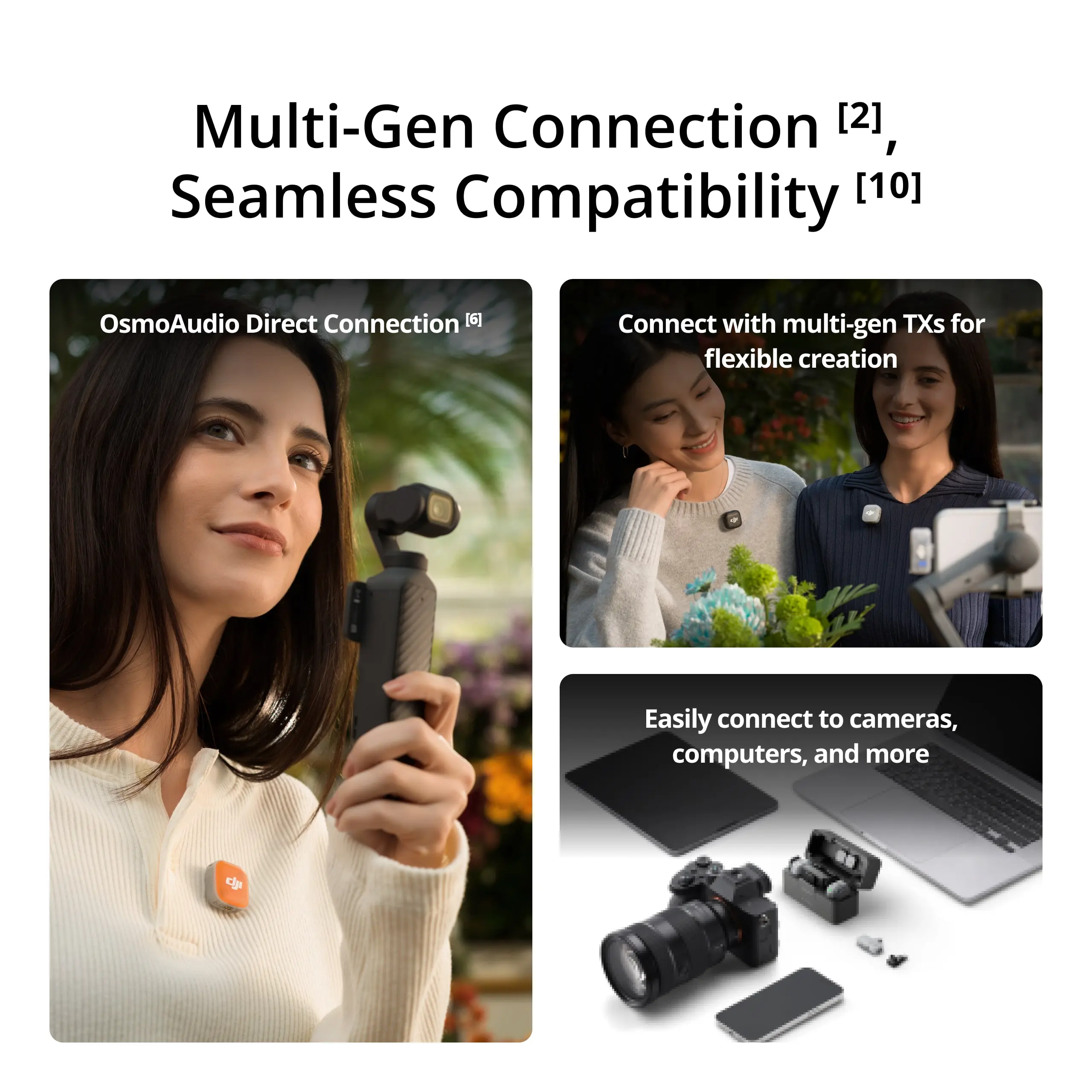
You can use the DJI Mic Mini 2 with a range of devices, including cameras, smartphones (via USB-C/Lightning adapter or via a direct Bluetooth connection) and computers. The DJI Mic Mini 2 supports the DJI OsmoAudio connection ecosystem.
The transmitter supports a direct Bluetooth connection to the Osmo Pocket 4, Osmo 360, Osmo Nano or Osmo Action 6 without a receiver, ensuring high-quality audio and simplifying your equipment and workflow.
For details, refer to the DJI Mic Mini 2 website download page for the mobile phone and tablet compatibility list and the OsmoAudio compatibility list. Osmo Pocket 4, Osmo 360, Osmo Nano and Osmo Action 6 are sold separately.
What are the differences between the DJI Mic Mini 2 combos? Which one should I choose?
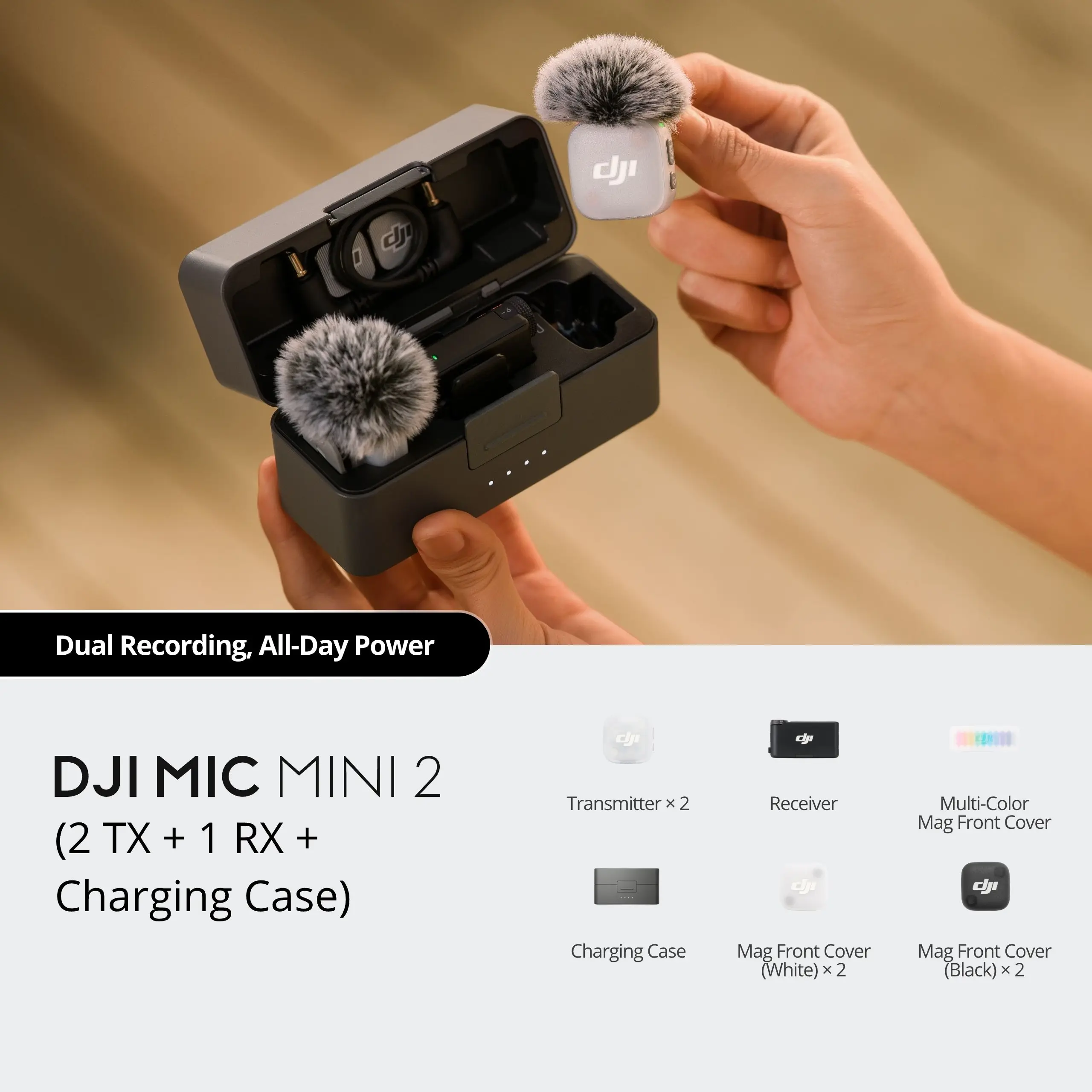
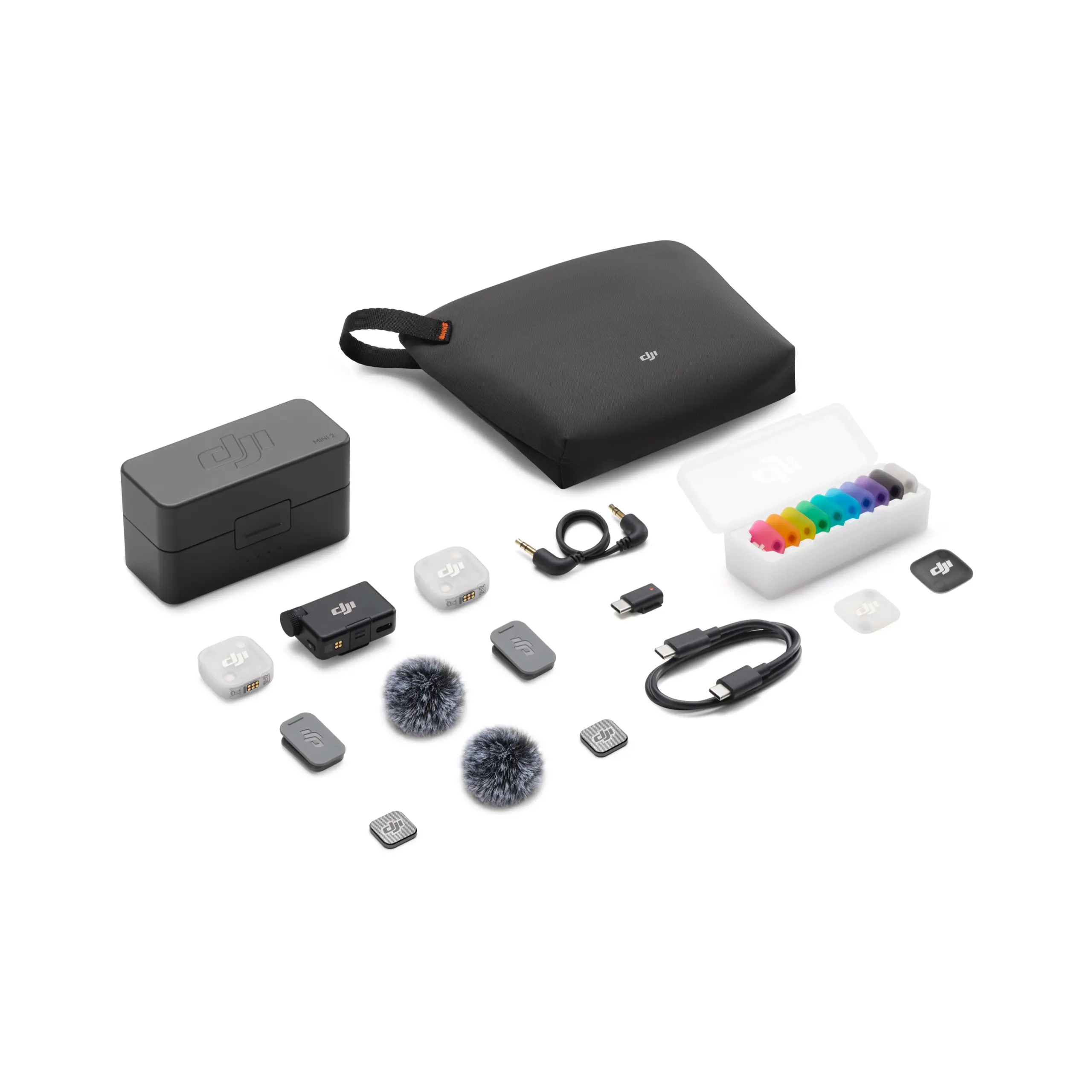
DJI Mic Mini 2 (2 TX + 1 RX + Charging Case): Contains one charging case, one receiver and two transmitters. Suitable for two-person audio recording and offers longer battery life.
DJI Mic Mini 2 (1 TX + 1 RX): Contains one receiver and one transmitter. Suitable for audio recording by one person (individual creators).
DJI Mic Mini 2 (2 TX + 1 Mobile RX + Charging Case): Includes a charging case, one mobile receiver and two transmitters. Offers longer battery life and is suitable for two-person recording via smartphones.
DJI Mic Mini 2 (1 TX + 1 Mobile RX + Charging Case): Includes one charging case, one mobile receiver and one transmitter. Offers longer battery life and is suitable for solo makers and other one-person scenarios via smartphones.
The DJI Mic Mini 2 transmitter can be used with mobile phones, Osmo Pocket 4, Osmo 360, Osmo Nano, Osmo Action 6 and other ecosystem devices.
The DJI Mic Series mobile receiver can be used with smartphones (USB-C/Lightning port), computers (USB-C port), Osmo Action 4 (USB-C port), Action 5 Pro (USB-C port), Osmo Pocket 4 (USB-C port), Osmo 360 (USB-C port) and more.
Do I need to activate the DJI Mic Mini 2?
The DJI Mic Mini 2 is ready to use without activation. You can scan the QR code on the packaging to register for a one-year warranty extension.
How do I update the firmware of the DJI Mic Mini 2 transmitters, receiver or mobile receiver?
-
Connect the DJI Mic Mini receiver to the phone via the DJI Mic Mini phone adapter (USB-C) and update the firmware for both the receiver and the transmitter in the DJI Mimo app.
-
The mobile receiver can be connected to a phone via the USB-C plug or with the DJI Mic series mobile receiver adapter (USB-C to Lightning), allowing firmware updates for both the receiver and the DJI Mic Mini/DJI Mic Mini 2 transmitter in the DJI Mimo app. If two DJI Mic 2/Mic 3 transmitters are connected, or a mix of Mic Mini 2, Mic 2 and Mic 3 transmitters (via blue lightning mode), you cannot upgrade both transmitters directly; you need to upgrade each transmitter separately via the DJI Mic 2 and DJI Mic 3 official website, respectively.
-
A DJI Mic Mini 2 transmitter can also connect directly to a phone via Bluetooth to complete the firmware update.
The DJI Mic Mini phone adapter (USB-C) is sold separately.
How do I pair the DJI Mic Mini 2 transmitter with the receiver and with the mobile receiver?
The transmitters and receiver in the same combo are already paired by default. If you need to re-pair them, you can do so as follows:
-
DJI Mic Mini receiver:
Method 1: Place the transmitters and receiver in the charging case and they are automatically paired.
Method 2: Turn on the transmitters and the receiver. Press and hold the pairing button on both the transmitters and the receiver. When the system status LED on the transmitter alternately flashes green and blue, pairing is in progress. When the LED is constantly green, pairing is complete.
-
DJI Mic series mobile receiver: Press and hold the pairing button on the mobile receiver to enter pairing mode (the transmitter status LED flashes green). Now you can connect Mic Mini or Mic Mini 2 transmitters. Switch on the transmitters and press and hold the pairing button on each transmitter in turn. After successful pairing, the LEDs light steady green.
Pressing and holding the pairing button on the mobile receiver twice opens blue light pairing mode. Now you can connect DJI Mic 2 or Mic 3 transmitters, or create a mix. After successful pairing, the LEDs illuminate blue constantly.
How many recording modes does the DJI Mic Mini 2 offer?
The DJI Mic Mini 2 has three recording modes: M (Mono), S (Stereo) and Ms (Mono Safety Track).
-
S: Stereo mode. Audio from the two transmitters is recorded via separate channels.
-
M: Mono mode. The audio from the two transmitters is merged into one channel.
-
Ms: Mono with Safety Track. Two tracks are recorded: the main track at normal volume and a backup track at -6 dB to protect against distortion during sudden volume increases.
When using Ms mode, separate the tracks during post-processing.
What features does the DJI Mic Mini 2 Charging Case offer?
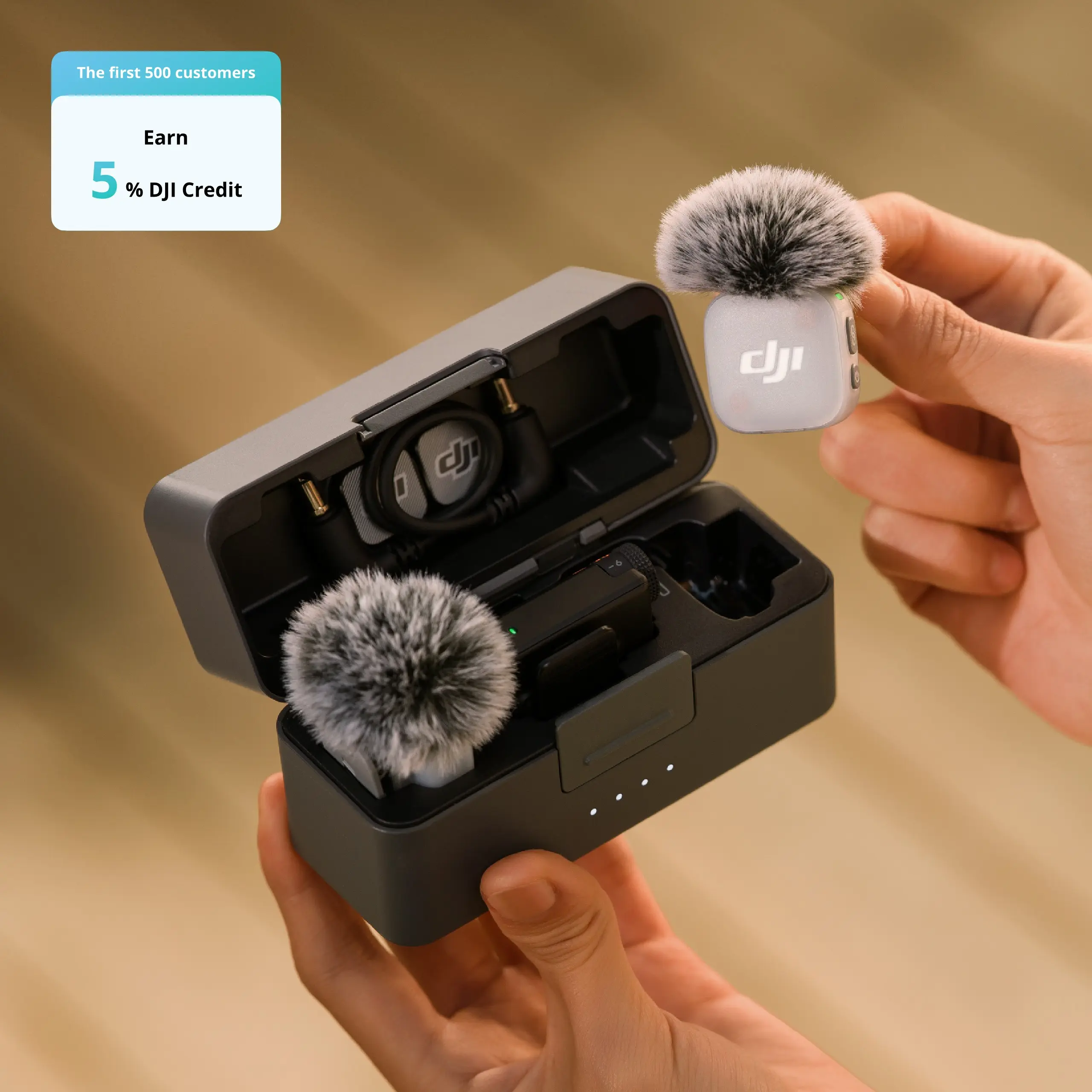
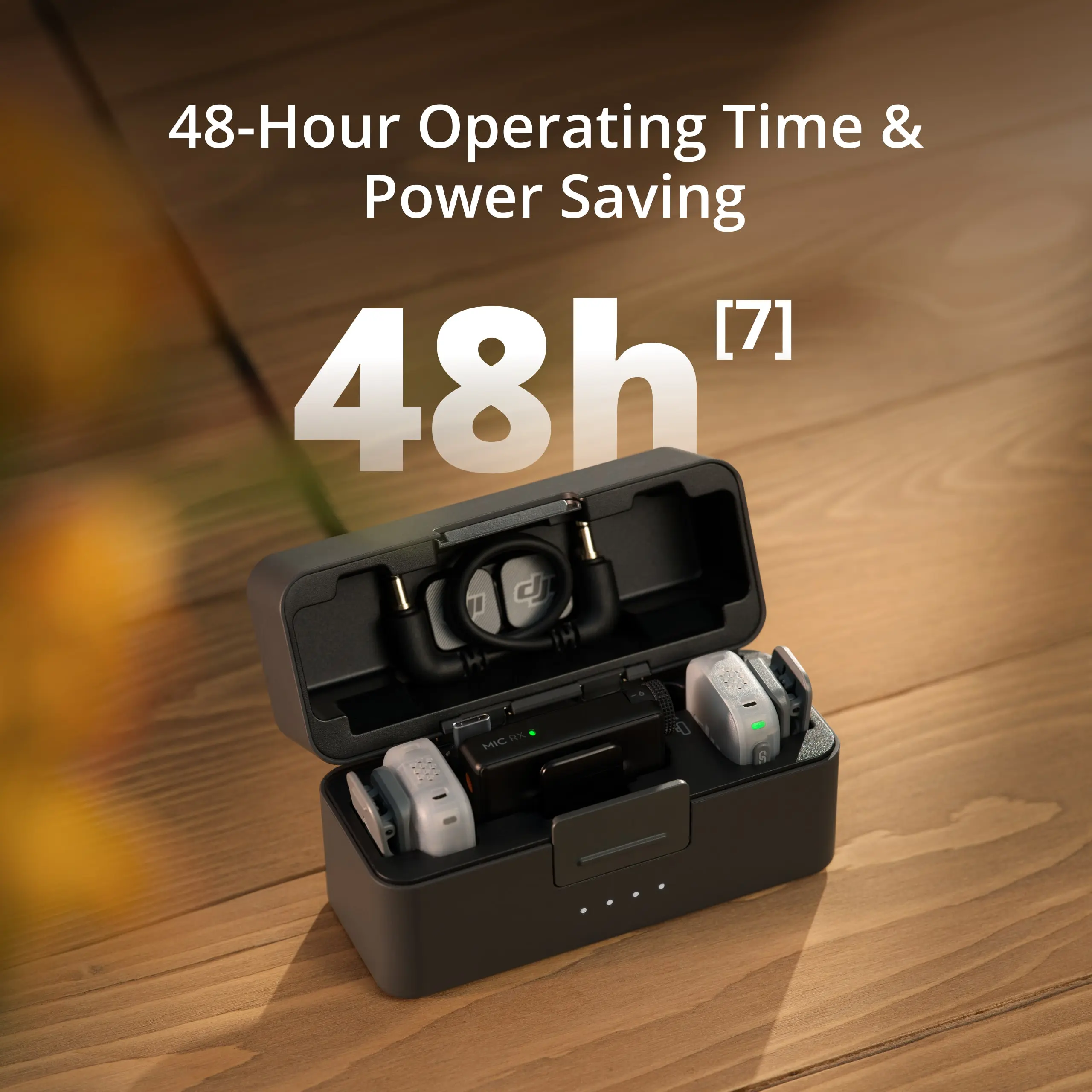
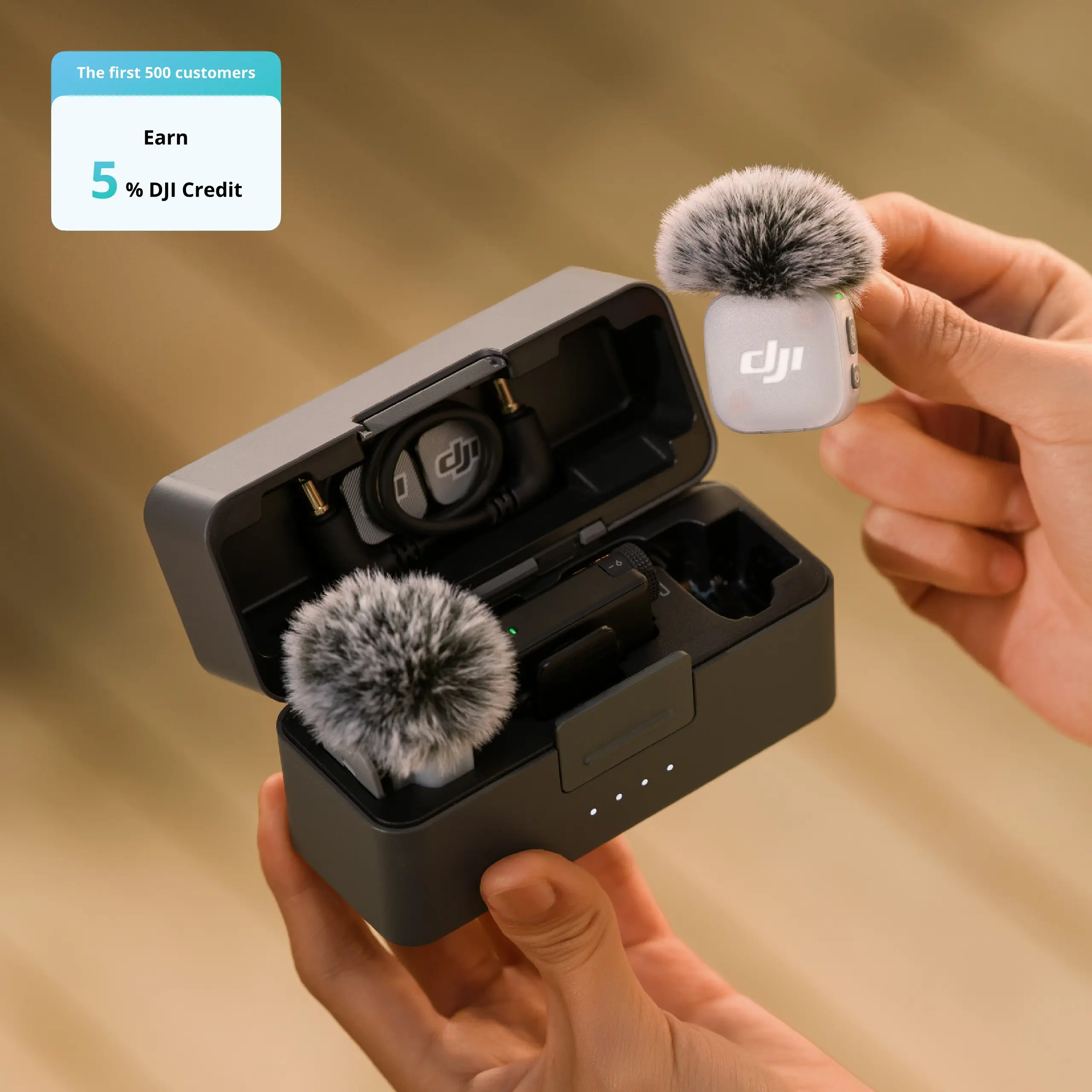
The case can store transmitters with the windshield and magnetic cover installed. The cover can hold magnets, clips or cables. A fully charged case can charge two transmitters and one receiver about 3.6 times.
The smaller case (1 TX + 1 Mobile RX) can charge a transmitter about 1.3 times.
Are the adapters interchangeable with other DJI products?
They are interchangeable with the phone adapter of the DJI Mic Mini, but not with other devices such as the original DJI Mic, Mic 2 or Pocket 2.
Are the DJI Mic Mini 2's transmitters and receivers compatible with other DJI Mic models?
They are compatible with the DJI Mic Mini transmitters and receivers, but not with the DJI Mic, Mic 2 or Mic 3.
What is the maximum transmission distance?
-
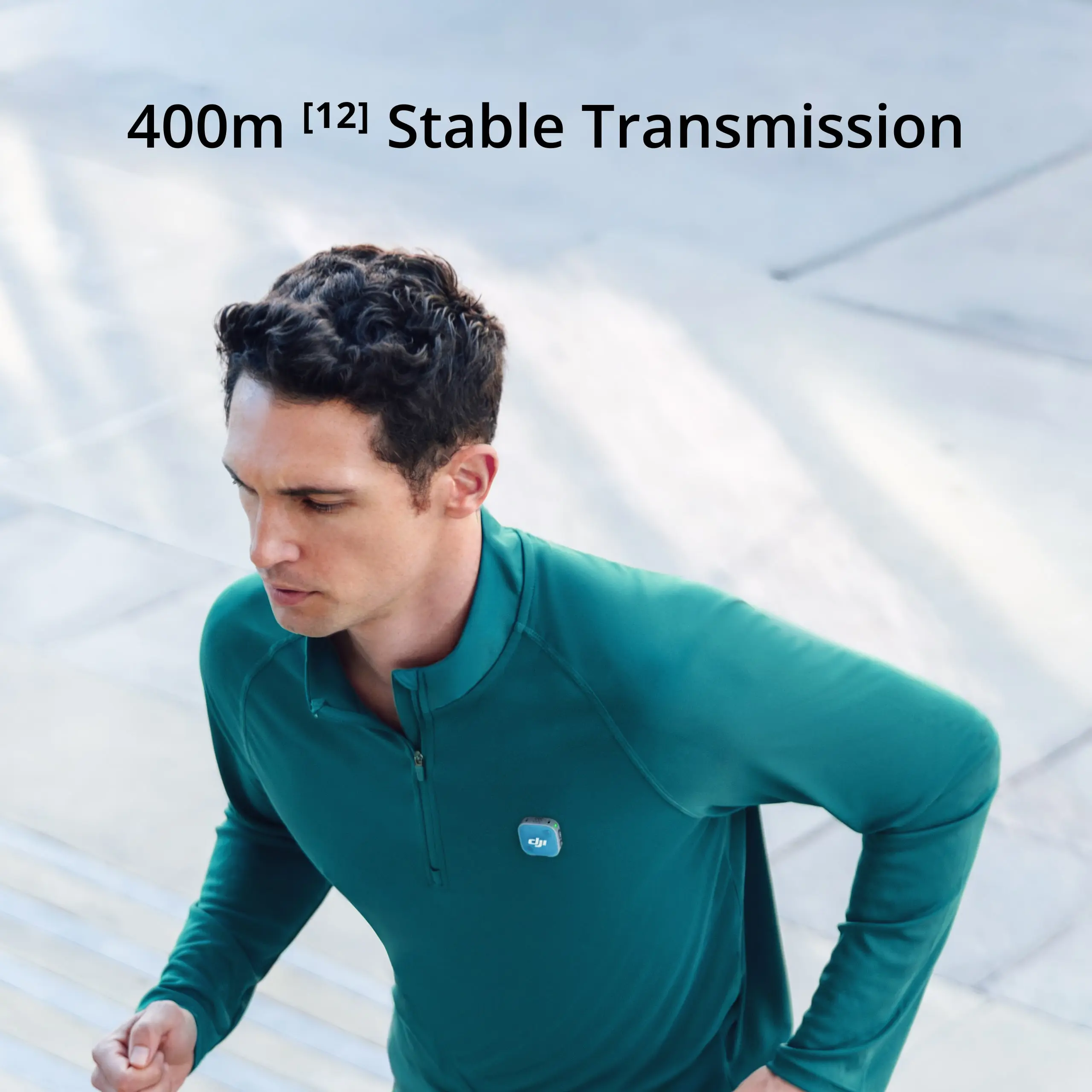
With the standard RX: up to 400 metres (free field).
-
With the mobile RX (green mode): up to 300 metres.
-
With the mobile RX (blue mode/mix): up to 200 metres.
How long does charging take?
At room temperature, it takes about 100 minutes for the receiver and 70 minutes for the transmitters through the case. The case itself fully charges in about 2 hours.
How do I enable noise cancellation?
The DJI Mic Mini 2 has two levels.
With the standard receiver: press the transmitter power button once or use the DJI Mimo app.
With the mobile receiver: use the physical switch on the receiver (Off, Low, High).
For direct Bluetooth connection: Via the menu of the connected device (e.g. Osmo Pocket 4).
Does the DJI Mic Mini 2 support automatic power saving?
Yes. The transmitter automatically goes into sleep mode if no signal is detected from the receiver. There is also an automatic power-off function (Auto Power-Off) after 15 minutes of inactivity, which can be set via the DJI Mimo app.
DJI Mic Mini 2 Magnetic Clip/Magnet
What is the magnetic strength of the DJI Mic Mini 2 Magnetic Clip and the DJI Mic 3 Magnet?
The magnetic force is 10 N.
The DJI Mic Mini 2 uses single-pole magnetisation and can attract iron objects up to 1.0 kg.
Will the DJI Mic Mini 2 Magnetic Clip and the DJI Mic 3 Magnet affect my bank cards?
All magnetic products contain magnets. It is recommended to keep the DJI Mic Mini 2 Magnetic Clip and the DJI Mic 3 Magnet away from bank cards, pacemakers, RAM chips and hard drives.
What should I pay attention to when using the DJI Mic Mini 2 Magnetic Clip and the DJI Mic 3 Magnet?
-
Use them NOT in combination with thick clothing (such as jumpers, down jackets, etc.). The transmitters may fall off due to insufficient magnetic force.
-
Be careful when used during intense physical activity (e.g. jumping, sprinting, etc.).
DJI Mic Mini 2 Transmitter (Transmitter)
Where can I attach the DJI Mic Mini 2 transmitter?
The DJI Mic Mini 2 transmitter can be attached to collars, lapels, hat brims and more using the magnetic clip. The magnetic clip allows attachment in four directions (up, down, left or right) for optimal sound recording. The transmitter can also be attached to other parts of your clothing with the magnet, such as in the middle of flexible fabrics, to prevent sagging. In addition, the transmitter has a built-in magnet, so it can be placed on metal objects for recording as needed.
How do DJI Mic Mini 2 transmitters receive audio signals? Is the directional characteristic directional or omnidirectional?
Omnidirectional (omnidirectional).
How many operating modes do the DJI Mic Mini 2 transmitters support?
-
Green light mode: Transmitters connect to a receiver over the 2.4 GHz frequency band.
-
Blue light mode: Transmitters connect directly to selected DJI products via DJI OsmoAudio, or connect to smartphones via Bluetooth.
The permissible operating frequency varies by country and region. Consult local laws and regulations for more information.
If the transmitter is connected to a mobile phone via Bluetooth, does it support audio recording for livestreaming? How do I connect the transmitter to a phone via Bluetooth?
- This depends on the compatibility of the livestream app and the mobile phone's operating system. You can test this with a Bluetooth headset. If the headset does not allow you to record audio for livestreaming, the transmitter does not support this function via Bluetooth either. Refer to the Third-Party App Compatibility List on the download page of the official DJI Mic Mini 2 website for software compatibility information.
- To connect, turn on the transmitter. Press and hold the pairing button for two seconds; the phone will automatically search for available Bluetooth devices. Select the DJI Mic Mini 2 Transmitter once it appears and tap to complete the pairing. When the transmitter's status indicator lights a steady blue, pairing is complete. If the phone's Bluetooth cannot find the DJI Mic Mini 2, restart Bluetooth on the phone and try again.
Which devices can the DJI Mic Mini 2 transmitter connect to wirelessly? How many transmitters can be connected to these devices at the same time?
The DJI Mic Mini 2 supports the DJI OsmoAudio connection ecosystem. The transmitter can connect directly to selected DJI products: one transmitter for the Osmo Action 4, and up to two transmitters for the Osmo Pocket 4, Osmo 360, Osmo Nano and Osmo Action 6.
The transmitter can also connect directly to your smartphone via Bluetooth. With a direct Bluetooth connection to a smartphone, the noise reduction level cannot be adjusted in the DJI Mimo app (it defaults to ‘Strong’); Low Cut settings are also not supported in the app in this mode.
Can I use the DJI Mic Mini 2 transmitter as a voice recorder?
No, the DJI Mic Mini 2 transmitter has no internal memory and therefore cannot be used as a standalone voice recorder.
How do I replace the magnetic front cover of the DJI Mic Mini 2 transmitter?
The DJI Mic Mini 2 transmitter has a magnetic, interchangeable front cover and comes standard with covers in Obsidian Black and Glaze White. Additional coloured windshields and magnetic front covers are available separately. To replace the cover, simply unscrew it via the notch at the bottom of the transmitter and insert the new cover.
The DJI Mic Mini 2 Multi-Color Windscreen and the DJI Mic Mini 2 Multi-Color Magnetic Front Cover are sold separately.
DJI Mic Mini Receiver
How many transmitters can the DJI Mic Mini Receiver be paired with?
The DJI Mic Mini Receiver and the DJI Mic Series Mobile Receiver can each connect to up to two DJI Mic Mini 2 transmitters simultaneously.
Can the DJI Mic Mini Receiver transmit audio data to devices with XLR input ports?
No.
Can I play recorded audio on the mobile phone while the DJI Mic Mini Receiver is connected?
You can enable audio playback without disconnecting in the DJI Mimo app.
After enabling this feature, you can play audio through your phone without removing the receiver; when disabled, you must disconnect the receiver to play audio through your phone.
Does the DJI Mic Mini 2 support simultaneous charging of both the phone and the receiver?
Yes. When the DJI Mic Mini Receiver is connected to your phone via a smartphone adapter, or when the DJI Mic Series Mobile Receiver is connected directly to your phone, you can use a charging cable to charge both the mobile phone and the receiver via the receiver's USB-C port.
Is Stereo mode supported when the DJI Mic Mini 2 is connected to a phone via a smartphone adapter?
For a list of compatible devices, refer to the download page on the official DJI Mic Mini 2 website.
Does the DJI Mic Mini Receiver output digital or analogue signals?
-
The OUT port of the DJI Mic Mini Receiver provides analogue signals for connections to cameras.
-
The DJI Mic Mini smartphone adapter (USB-C/Lightning) and the USB-C port of the DJI Mic Mini Receiver emit digital signals.
What is the DJI Mic Mini 2‘s ’Auto On/Off With Camera' function and how do I use it?
When the DJI Mic Mini Receiver is connected to a camera via a 3.5mm TRS cable, you can enable this function via the DJI Mimo app. The receiver then automatically switches on and off in sync with the camera.
DJI Mic Series Mobile Receiver
What is the maximum number of transmitters that can be connected to the mobile receiver?
The mobile receiver can connect to up to two transmitters at the same time.
Which transmitter models are compatible with the mobile receiver? Is it possible to connect several transmitter models at the same time?
The mobile receiver can simultaneously connect to up to two DJI Mic Mini or two DJI Mic Mini 2 transmitters. Press and hold the pairing button on the receiver to enter pairing mode (the transmitter status LED flashes green). Then press and hold the pairing button on each transmitter in turn. After a successful pairing, the LEDs on both the transmitter and the receiver will light steady green.
Pressing the pairing button on the receiver twice and then holding it in, opens blue light pairing mode (the transmitter status LED flashes blue). At this point, you can connect two DJI Mic 2 or Mic 3 transmitters, or create a mix of Mic Mini, Mic Mini 2, Mic 2 and Mic 3 transmitters. After a successful pairing, the LEDs light blue constantly.
Refer to the ‘DJI Mic Series Mobile Receiver Cross-Model Compatibility List’ on the download page of the DJI Mic Mini 2 website for details on compatibility.
How do I enable noise reduction on the mobile receiver? Can this still be controlled via the transmitter after connection?
The mobile receiver allows quick adjustment of noise reduction via the physical switch (Off = O, Low = L, High = H).
Once the transmitter is connected to the mobile receiver, noise reduction can only be adjusted via this switch on the receiver. It cannot then be switched on or off via the DJI Mimo app or the transmitter itself.
How do I adjust the gain on the mobile receiver?
After connecting the mobile receiver to your phone (via the USB-C plug or Lightning adapter), open the DJI Mimo app to adjust the gain settings on your phone.
The DJI Mic Series Mobile Receiver Adapter (USB-C to Lightning) is sold separately.
Can the parameters of the different transmitters be adjusted on the mobile receiver?
Yes, once connected, you can adjust noise reduction via the physical switch on the receiver and fine-tune additional settings via the DJI Mimo app.
Does the mobile receiver support use while charging the phone?
Yes. When connected via USB-C, the receiver is powered by the phone (Lightning ports require the separate adapter). When the USB-C charging port on the receiver is connected to an external power source, both the receiver and the phone are charged at the same time.
Note that removing the external power source temporarily interrupts the audio. Do not disconnect the power source during operation.
Does the mobile receiver support stereo sound? How do I check the recording mode?
The mobile receiver supports Mono, Stereo (two-channel) and Ms (Mono Safety Track) modes. You can check the current mode in the DJI Mimo app on your phone.
Which devices are compatible with the mobile receiver?
Currently compatible with smartphones (USB-C or Lightning), computers (USB-C), Osmo Action 4/5 Pro/6 (USB-C), Osmo Pocket 4 (USB-C), Osmo 360 (USB-C) and more.
Do iPhones with a Lightning port support the mobile receiver?
Yes, but you need to purchase the DJI Mic Series Mobile Receiver Adapter (USB-C to Lightning) separately for this.
Can the mobile receiver be connected to a camera?
No, connection via a 3.5mm TRS cable is not supported. For Sony cameras with a hot shoe (hot shoe), you can connect via the DJI Mic Series Camera Adapter (for Sony Cameras).
Does the mobile receiver support monitoring?
Yes, the USB-C port on the receiver supports monitoring via USB-C headphones (analogue transmission) or via a 3.5mm adapter. Monitor volume can be adjusted in the DJI Mimo app.
Does the mobile receiver support firmware updates?
Yes. The receiver can update up to two DJI Mic Mini/Mini 2 transmitters at the same time via the phone. However, when connecting to Mic 3 or Mic 2 transmitters, they must be updated separately.
What is the wireless range of the mobile receiver?
With two Mic Mini / Mic Mini 2 transmitters: up to 300 metres.
In a mixed setup (e.g. one Mic Mini and one Mic 2): maximum 200 metres.
(By comparison, the standard DJI Mic Mini Receiver reaches up to 400 metres).
DJI Mic Mini 2 Accessories
What functions are possible when the DJI Mic Mini 2 is used with the DJI Mic Series Camera Adapter?
The DJI Mic Series Camera Adapter allows you to connect the DJI Mic Mini Receiver directly to the MI flash shoe (hot shoe) of a Sony camera. This allows you to record audio without the audio cable (3.5mm TRS). It supports digital audio recording in 48kHz 24-bit. When using this adapter, the Sony camera can also power the receiver.
After enabling the ‘Auto On/Off With Camera’ function in the DJI Mimo app, the receiver will automatically switch on and off in sync with the camera when connected via the hot shoe.
In addition, this adapter can solve the problem of electrical noise that can occur when certain Sony cameras (such as the A7S3, FX3, A6700, etc.) are connected to specific microphones with a 3.5mm TRS cable.
Which cameras are compatible with the DJI Mic Series Camera Adapter?
The DJI Mic Series Camera Adapter is only compatible with Sony cameras with an MI flash shoe. For a list of compatible devices, refer to the download page on the official DJI Mic Mini 2 website.
Can the DJI Mic Series Camera Adapter be used with the DJI Mic or DJI Mic 2?
No.
What is the difference between using the DJI Mic Series Camera Adapter and the camera audio cable (3.5mm TRS)?
The DJI Mic Series Camera Adapter enables digital audio recording and allows the camera to power the receiver, while the camera audio cable (3.5mm TRS) supports analogue audio recording. With both connection methods, the receiver supports the ‘Auto On/Off With Camera’ function.
What should I do if my camera displays a compatibility error when using the DJI Mic Series Camera Adapter?
If your camera does not support digital audio signals, it will not recognise the DJI Mic Series Camera Adapter. For a list of compatible devices, refer to the download page on the official DJI Mic Mini 2 website.


 EN
EN  NL
NL  FR
FR  DE
DE  ES
ES