App
How do I start the Osmo Pocket for the first time?
Follow these steps:
1.Download the DJI Mimo app from the App Store or Google Play.
2.Press and hold the power button for 1 second. Connect the Osmo Pocket to your mobile device via the smartphone adapter.
3.The DJI Mimo app opens automatically and prompts you to activate the device.
4.Activate the device according to the instructions in the app.
What operating methods does the Osmo Pocket support?
The Osmo Pocket can be used on its own or together with the DJI Mimo app.
Which app does the Osmo Pocket use?
The Osmo Pocket uses the DJI Mimo app.
What timelapse modes does the Osmo Pocket support?
Timelapse and Motionlapse.
Which video resolutions and frame rates are supported?
When using the Osmo Pocket independently:
Resolution: 4K / 1080P
Frame rate: 30 / 60 fps
When used with the app:
Base: 4K / 1080P - 30 / 60 fps
Pro: 4K / 1080P - 24 / 25 / 30 / 48 / 50 / 60 fps
Can ISO, shutter speed and EV values be adjusted?
Yes. These settings can be adjusted automatically or manually via Pro mode.
Does the Osmo Pocket have volume amplification?
Yes.
Go to “Pro Mode” → “Volume Amplification Level” and choose from: “Auto”, “Fine”, “Medium”, “Low”
Which photo formats are supported?
JPEG and RAW+JPEG.
Which video formats are supported?
MOV and MP4.
Can I broadcast live video with the Osmo Pocket?
No.
Gimbal Camera
How do I activate ActiveTrack?
1. Stand-alone device:
Double-click the object or area on the screen to enable ActiveTrack. In selfie mode, Face Track is activated automatically.
2. With DJI Mimo app:
Select the area on the mobile device screen to activate ActiveTrack.
Can I disassemble the gimbal myself?
No.
Is there a lock to lock the position of the gimbal?
No.
How do I calibrate the gimbal?
1. Stand-alone device:
Swipe down on the main screen → open System Settings → tap “Calibration”.
2. With DJI Mimo app:
Connect the app → tap the three dots at the bottom left → choose “Calibration” in the gimbal and grip settings.
How do I control the rotation direction of the gimbal?
1. Stand-alone device:
Swipe down → “Tilt Control” → move up/down to control the tilt axis.
2. With DJI Mimo app:
Use the icon on the right of the screen to move the gimbal.
3. With joystick:
Use the joystick to move up, down, left or right.
How do I set the video resolution?
1. Stand-alone device:
Swipe left → video menu → left again → choose resolution.
2. With DJI Mimo app:
Select “Video” → tap the resolution icon.
How do I switch between centre mode and selfie mode?
1. Stand-alone device:
Swipe up → Gimbal Settings → “Recenter” or “Flip”.
2. With DJI Mimo app:
Tap “Recenter” or “Flip” on the right side of the screen.
How do I use torch mode?
1. Lock pan/tilt, hold the handle straight and tilt the lens forward until it points straight ahead.
2. In Follow mode: tilt lens forward → open gimbal settings → tap “Recenter”.
How do I switch between Portrait mode and Underslung mode?
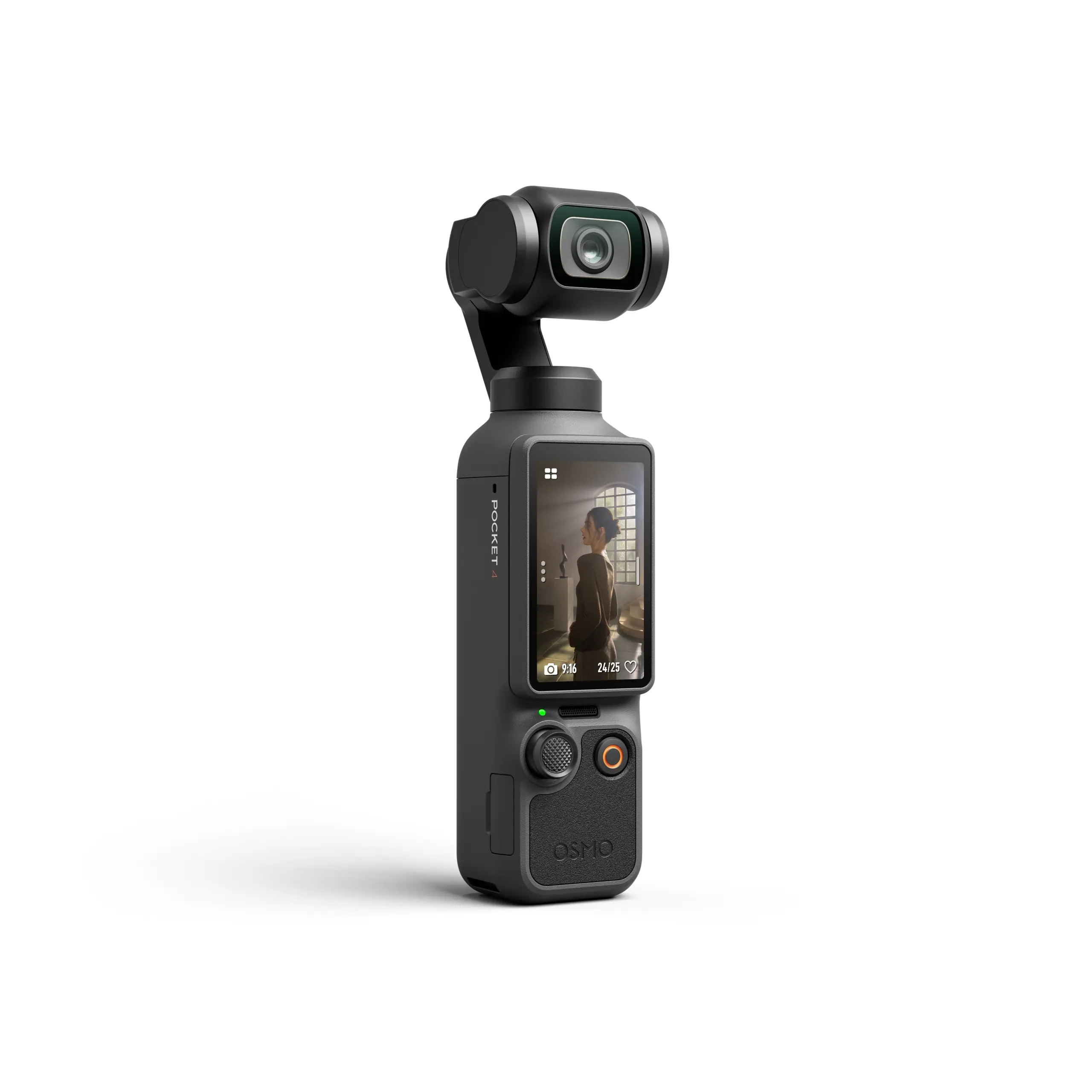
1. Turn the handle left or right until the screen becomes vertical.
2. Rotate the handle 180° for Underslung mode.
Lever
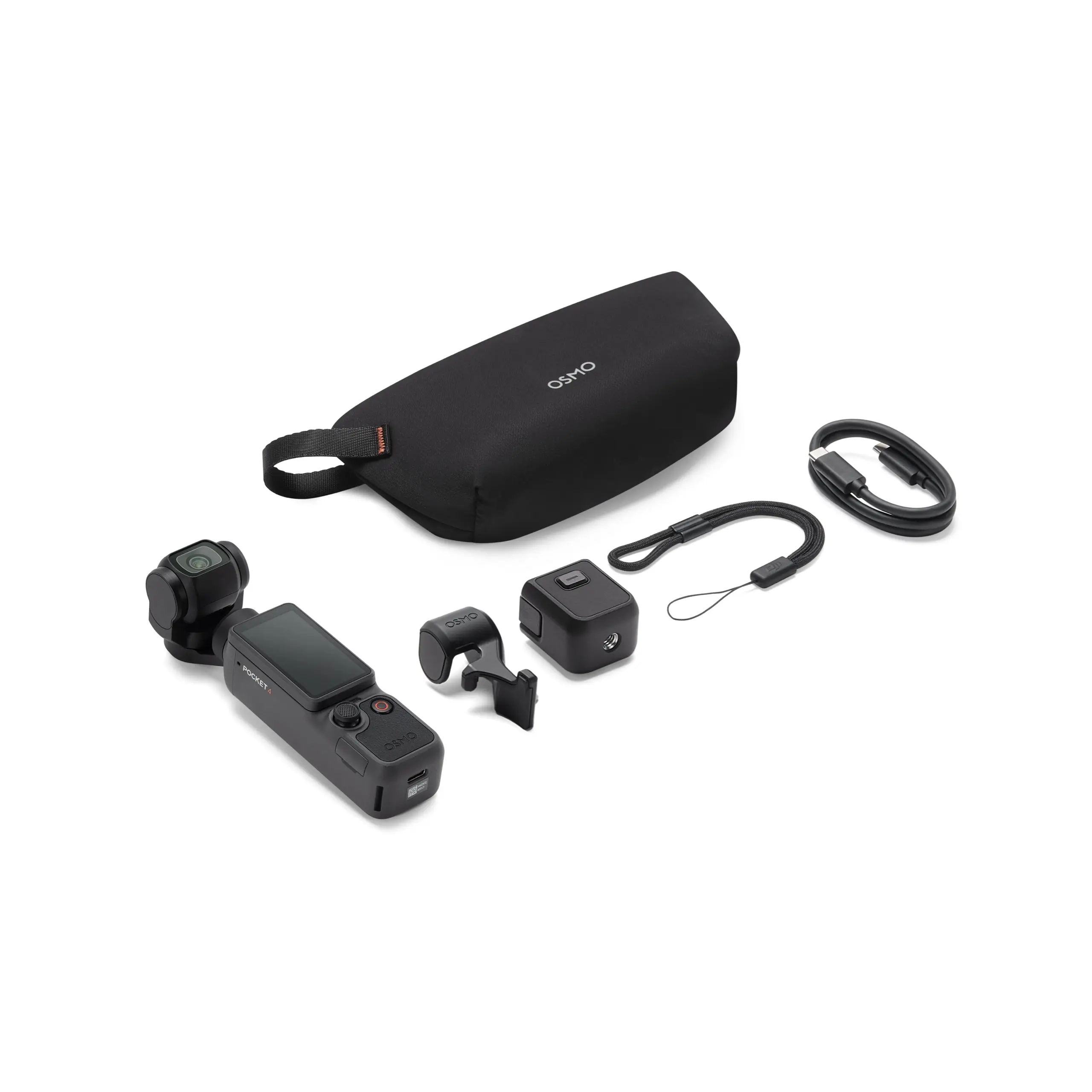
Which phones does the smartphone adapter work with?
- iPhones with Lightning port.
- Android phones with USB Type-C.
Micro-USB Android devices are currently not supported.
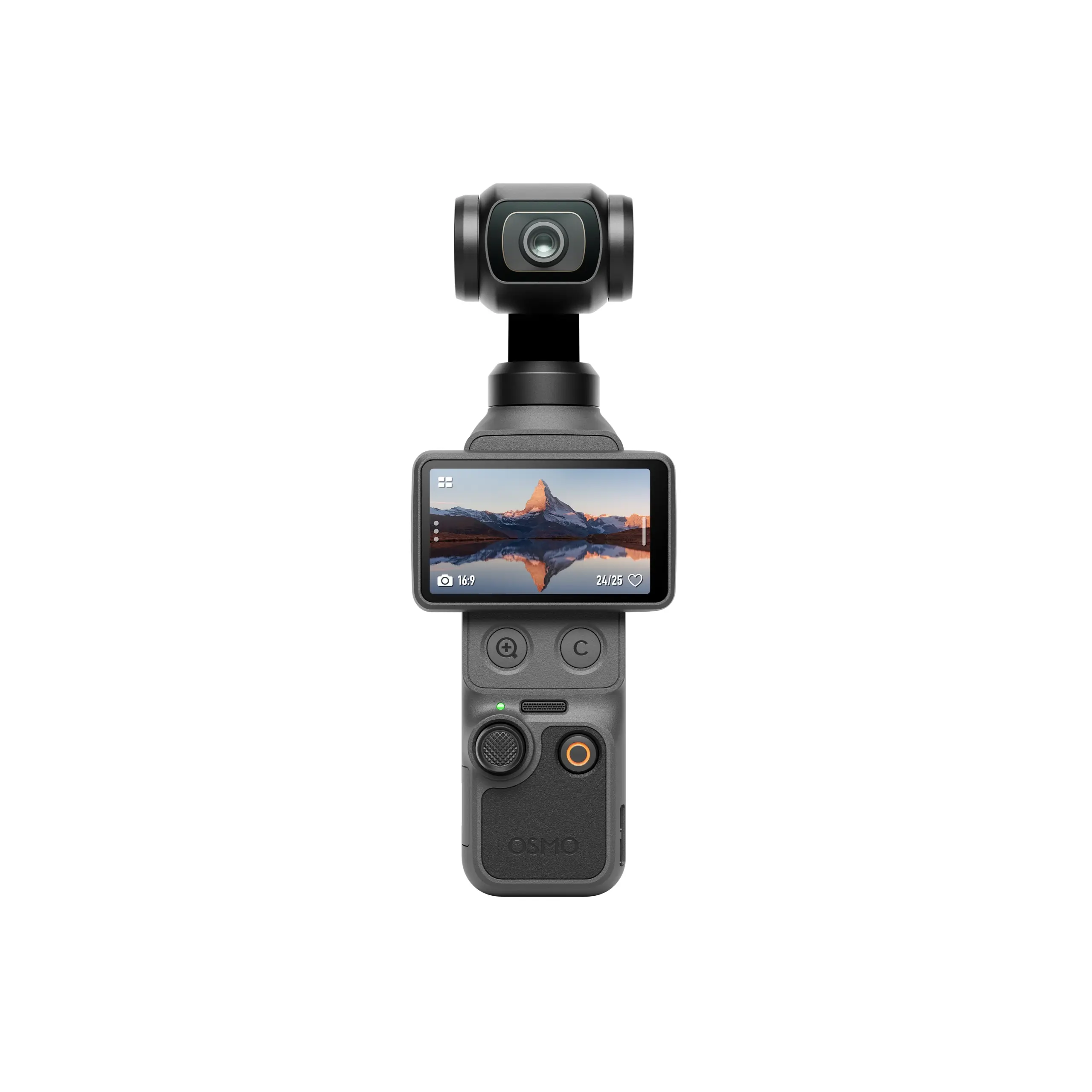
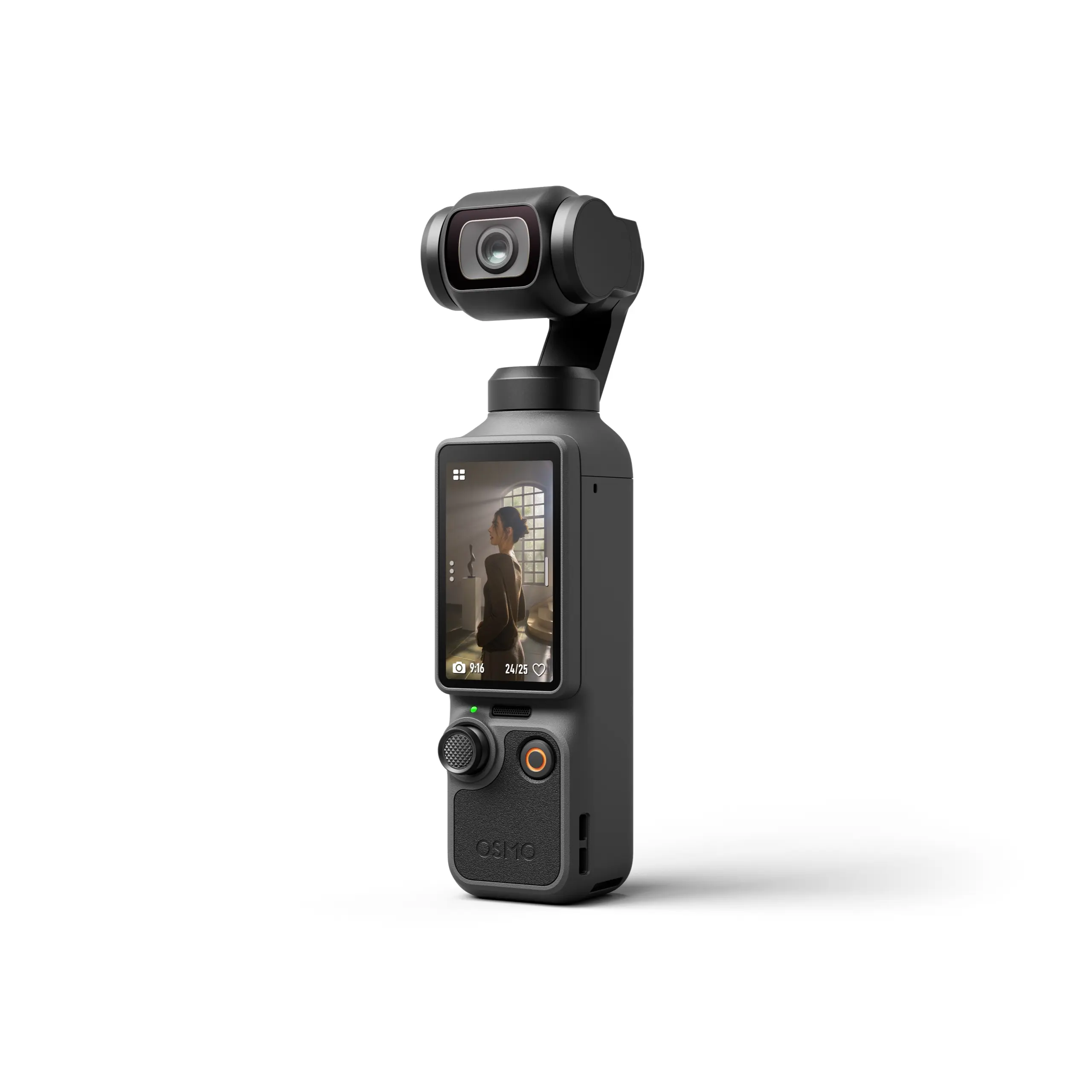
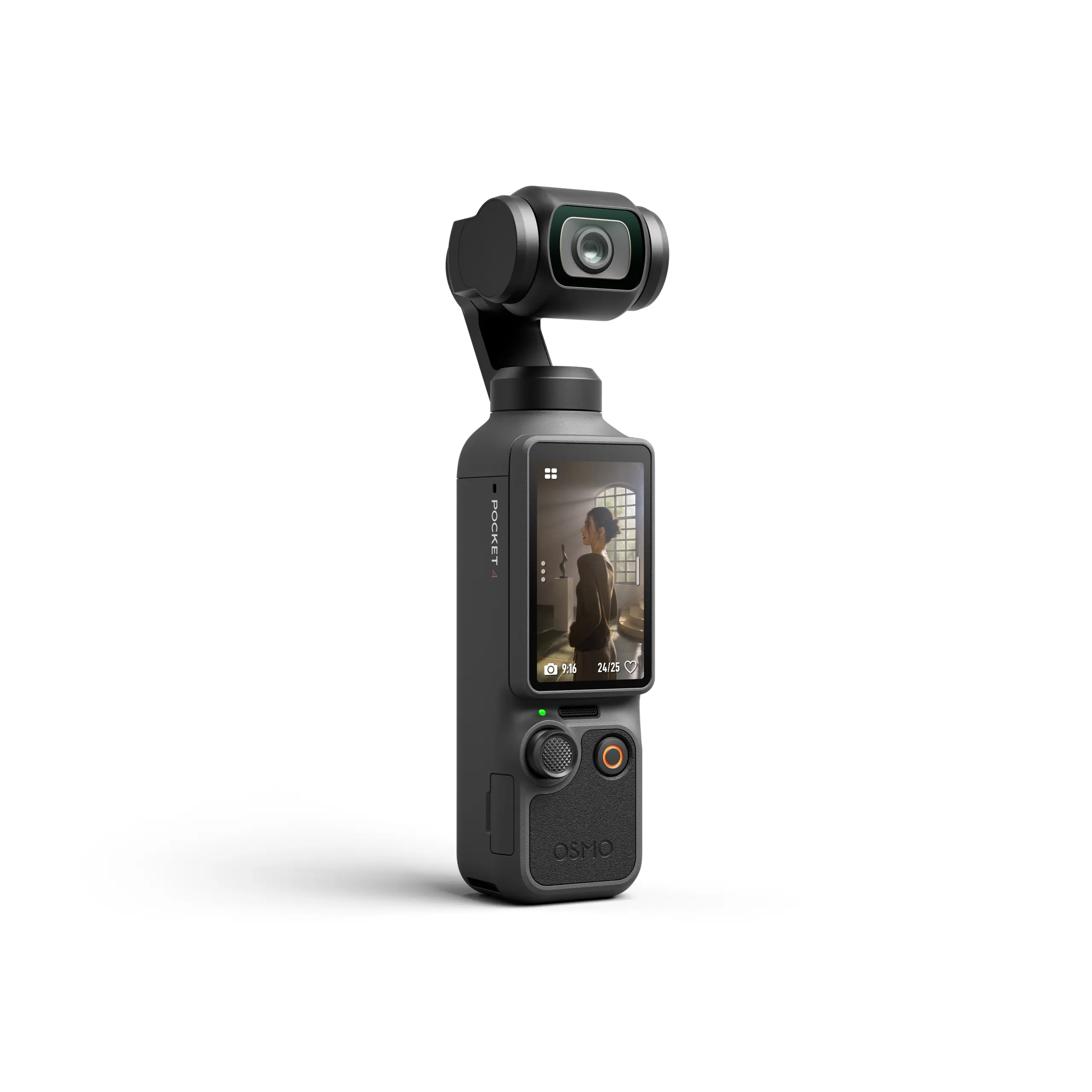
What buttons does the Osmo Pocket have?
- Shutter/Record button
- On/Off/Function button
How do I export photos and videos?
- Remove the SD card and use a card reader on a PC.
- Connect the Osmo Pocket to a PC via USB-C.
- Connect to a smartphone via the adapter and download the files.
How can the Osmo Pocket connect?
- Bluetooth (with Wireless Module)
- Wi-Fi (with Wireless Module)
- Smartphone adapter
Does the Osmo Pocket have better audio quality than the Osmo?
Yes. Two microphones are built-in for better sound quality and noise reduction.
Can I turn off the built-in microphone and use the phone's microphone?
No.
What is the size of the touchscreen?
1.08 in.
What is the resolution of the touchscreen?
240 × 220.
Can I view panoramas on the screen of the Osmo Pocket?
No. Panoramas can only be viewed in the DJI Mimo app after they have been merged.
Firmware Upgrade
How does the status LED flash during a firmware update?
1. Red and green flashing: update in progress
2. Solid green: update successful
3. Fixed red: update failed
How do I update the Osmo Pocket?
Firmware updates can only be performed via the DJI Mimo app.
Battery
Can other USB cables be used?
No. Always use the Osmo Pocket's original USB cable.
Can I use the charging cable for other devices?
No.
Which charger is recommended?
A charger with 5V / 2A output.
What is the optimum charging temperature?
5°C to 40°C.
Can the Osmo Pocket be charged while it is on?
Yes.


 EN
EN  NL
NL  FR
FR  DE
DE  ES
ES